Group gear by use, hide cables, add storage, and style with balance.
If you want a clean, calm living room, you need a plan for how to organize a TV unit. I’ve set up dozens of media consoles for clients and my own home, and the wins are simple: smart layout, tight cable control, right storage, and light styling. Stay with me and you’ll learn how to organize a TV unit like a pro, with real tips you can use today.

Plan your layout for comfort, sound, and power
If you ask how to organize a TV unit, start with the layout. The right height, distance, and angle make the space feel easy and cozy. Place the TV so the center is close to eye level when seated. Aim to face windows, not mirror them, to cut glare.
Think about viewing distance. Many people like about 1.5 to 2.5 times the screen size. Test by sitting, then adjust before you lock in. Leave room for a soundbar or speakers so voices stay clear.
Now check power. You need easy access to outlets, the router, and a surge protector. Plan where each cord goes before you push the unit back. I once skipped this and had to pull everything out again. It took an hour I could have saved with a dry run.
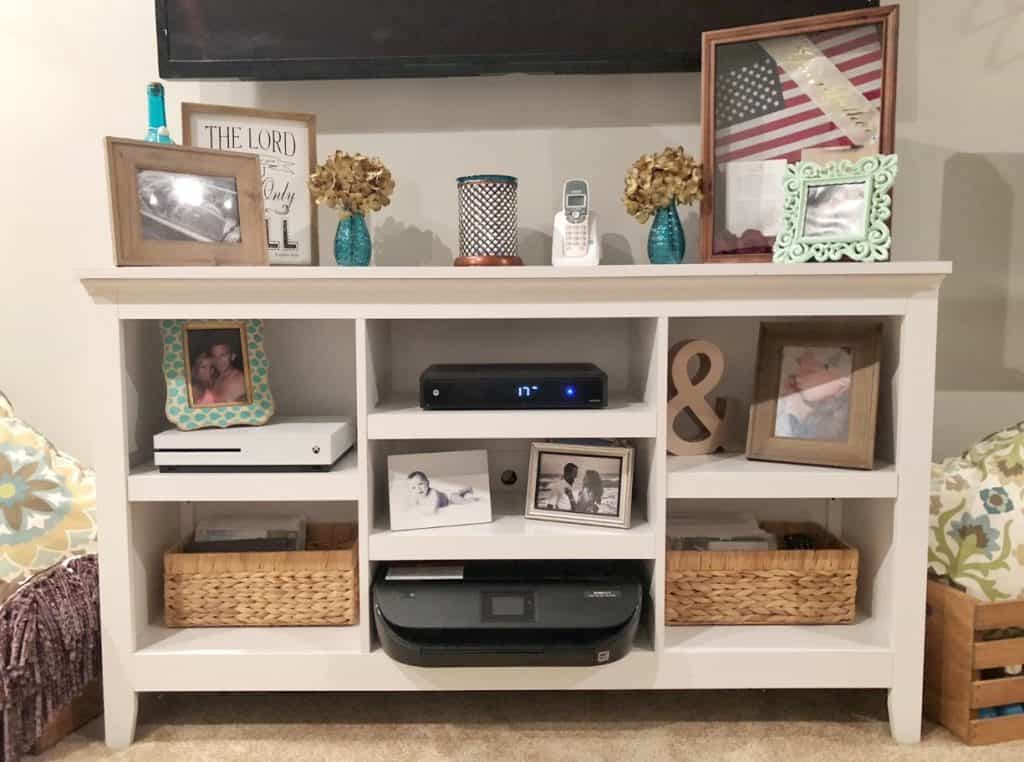
Declutter first and set clear zones
To master how to organize a TV unit, start by pulling everything out. Keep what you use each week. Box, label, or donate the rest. Less gear means less mess.
Create simple zones so you always know where things live:
- Watch zone: TV, soundbar, streaming box on or near the center shelf.
- Play zone: console, controllers, VR gear in one spot with airflow.
- Power zone: surge protector and cable hub hidden but easy to reach.
- Media zone: games, remotes, and manuals in labeled bins or drawers.
- Style zone: a few decor items to add warmth, not clutter.
Common mistakes to avoid:
- Packing shelves edge to edge with decor.
- Mixing cables and remotes in one big catch-all.
- Leaving no space behind gear for air and cables.
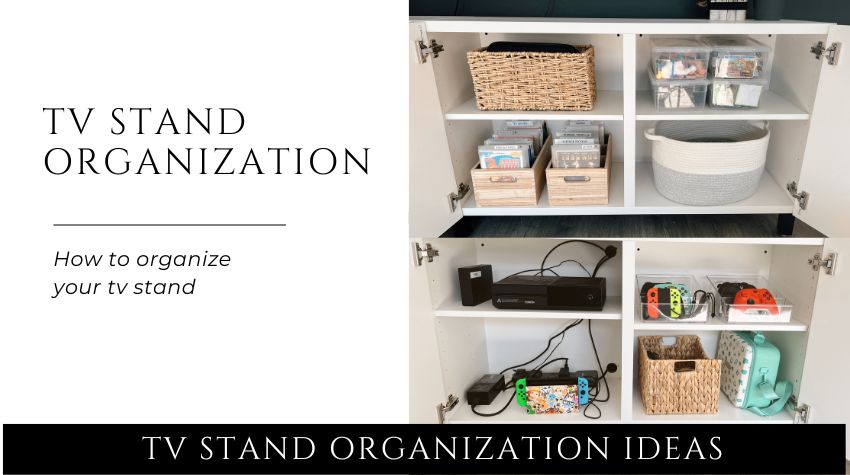
Source: cocoscaravan.com
Smart cable and power management
Another key in how to organize a TV unit is clean cable work. Good cable control keeps you safe, looks neat, and makes upgrades easy.
Do this in order:
- Use a quality surge protector. Plug high-draw items like consoles straight into it.
- Run cords through a cable box or raceway to hide the power strip.
- Bundle cables by device with hook-and-loop ties. Avoid tight zips that pinch.
- Label both ends of every cable. Future you will cheer.
- Keep data cables separate from power when you can to reduce hum.
- Leave a gentle drip loop so cables do not tug on ports.
Safety notes I give every client:
- Do not daisy-chain power strips.
- Keep cords off heat vents.
- Never coil a long, high-draw cable tight. It can trap heat.

Source: lelaburris.com
Style shelves and surfaces without clutter
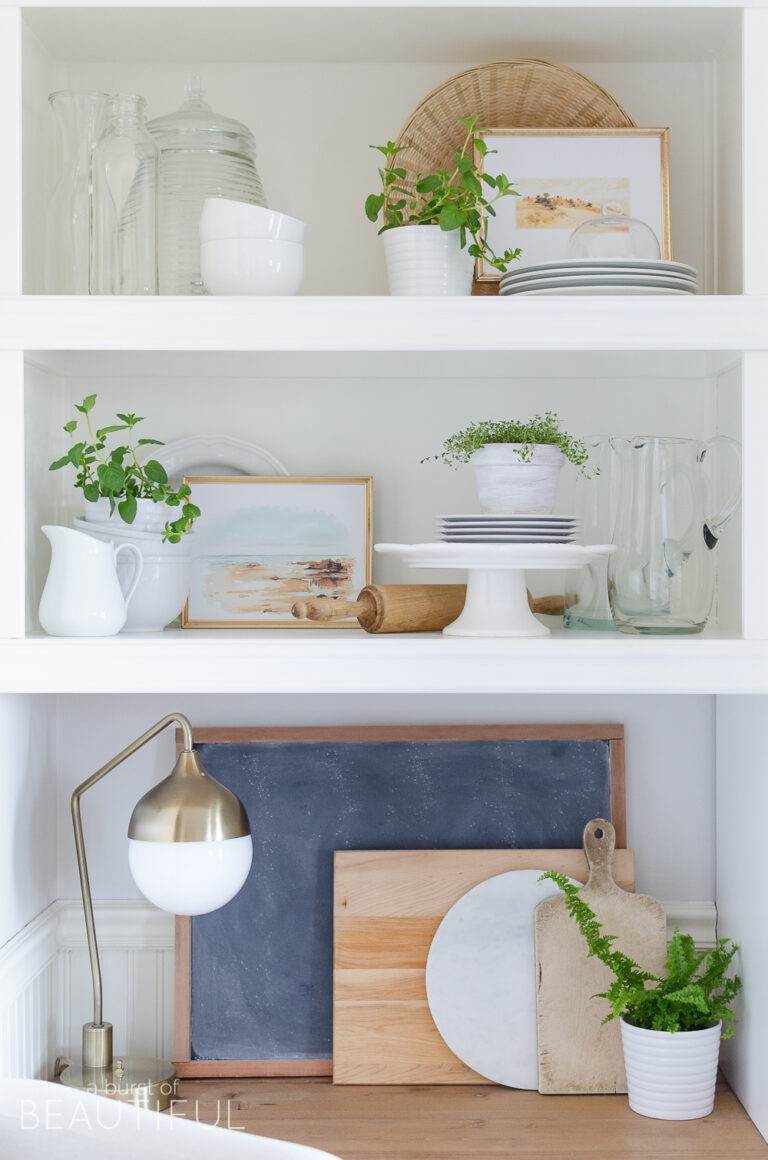
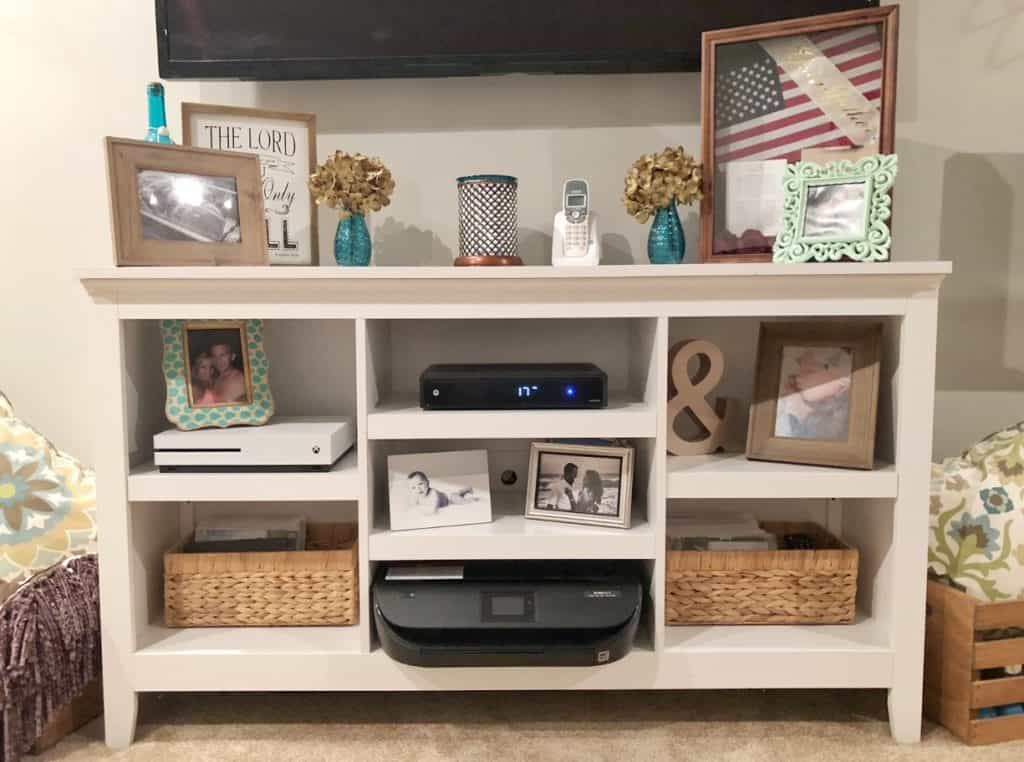
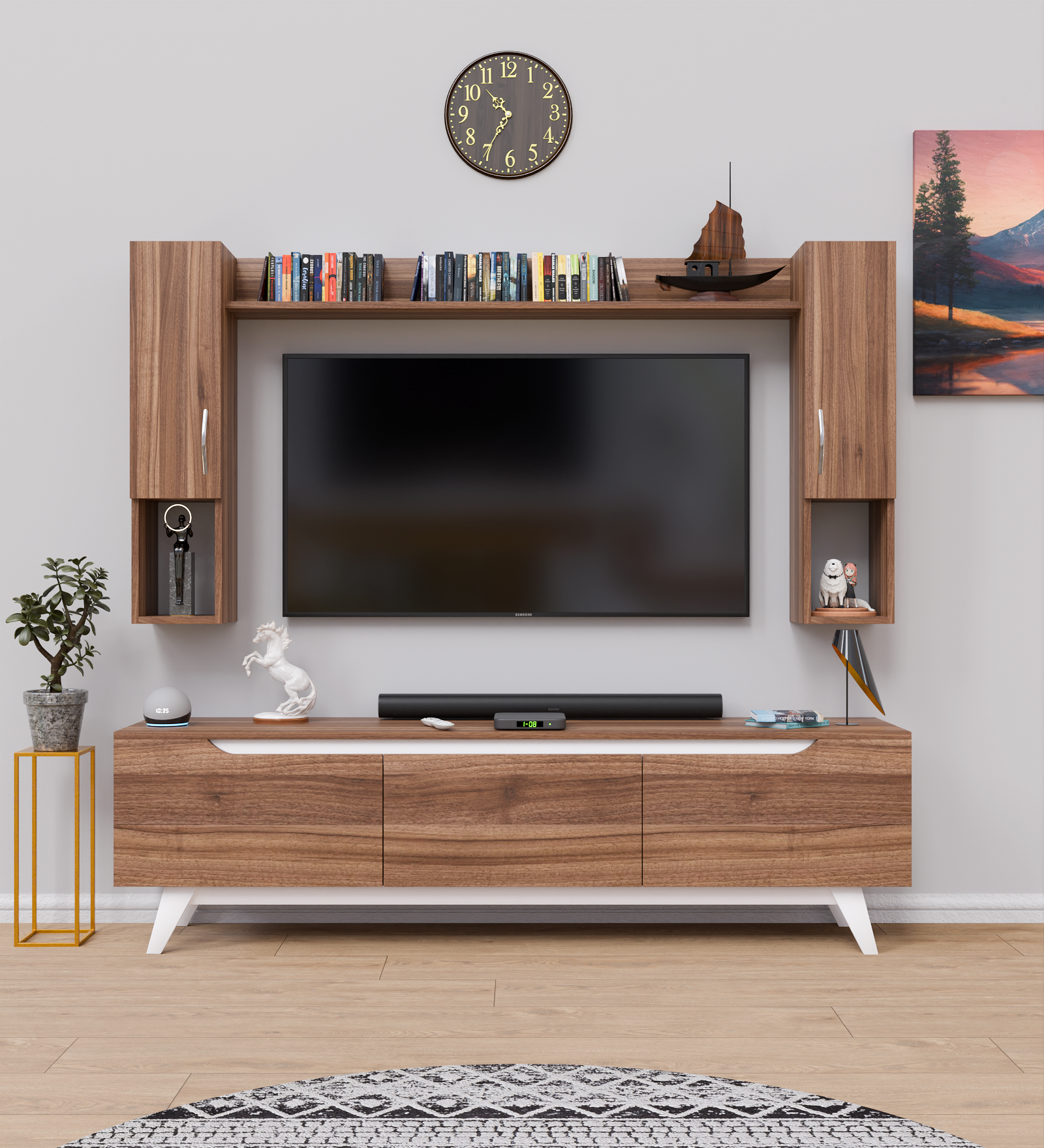
Style matters in how to organize a TV unit without visual noise. Keep decor low and simple so the screen stays the star. Use odd-number groupings and vary height a bit. Leave blank space. The eye needs room to rest.
Easy styling ideas:
- One plant for life, one sculptural object for shape, one stack of books for warmth.
- A shallow tray for remotes and small items so they look tidy.
- A closed basket for chargers, spare cables, and batteries.
- Neutral colors near the screen so they do not compete with video.
- Soft LED bias lighting behind the TV to ease eye strain in dark rooms.

Source: youtube.com
Store media, consoles, and remotes the easy way
Storage is the backbone of how to organize a TV unit. Keep hot gear like consoles on open shelves with a bit of space around them. Stand game cases or use slim sleeves to save room. Dock controllers so they charge and do not vanish in cushions.
Simple storage wins I use at home:
- A labeled bin per console: games, cables, and one spare controller.
- A small folder for manuals, receipts, and setup notes.
- A remote caddy or a universal remote to cut down the pile.
- A microfiber pouch for screen cloth and lens wipes.
Have kids or pets? Add corner guards, wrap cords in a floor cover, and use doors with simple child locks. It looks neat and keeps little hands safe.
Safety, ventilation, and cleaning
Safety and care shape how to organize a TV unit for the long run. If you mount the TV, anchor to studs or use proper wall anchors. If it sits on the console, add anti-tip straps. Keep candles and heaters away from the screen and wires.
Gear needs air. Leave a couple of inches behind and above warm devices. Do not block vents with books or baskets. If the cabinet is closed, pick one with mesh doors or drill vent holes in the back panel.
Cleaning the right way:
- Unplug. Dust with a dry microfiber cloth first.
- For screens, use a screen-safe spray on the cloth, never on the panel.
- Use a soft brush or compressed air on vents and ports.
- Wipe cables now and then. Sticky dust can trap heat.

Source: smallstuffcounts.com
Small spaces, rentals, and family homes
In tight homes, how to organize a TV unit takes smart moves. Wall-mount the TV to free surface area. Use a narrow console with tall shelves. Float a shelf for the soundbar. Hide the power strip in a cable box on the floor.
Rental-friendly tricks:
- Use adhesive cable raceways and clear hooks for light runs.
- Try a freestanding panel mount if you cannot drill.
- Pick baskets and bins that match your console. They hide gear fast.
Family and shared spaces:
- Set labels with words and icons so everyone knows where things go.
- Keep daily-use items on the middle shelf for easy reach.
- Store delicate decor up high and keep soft items near edges.
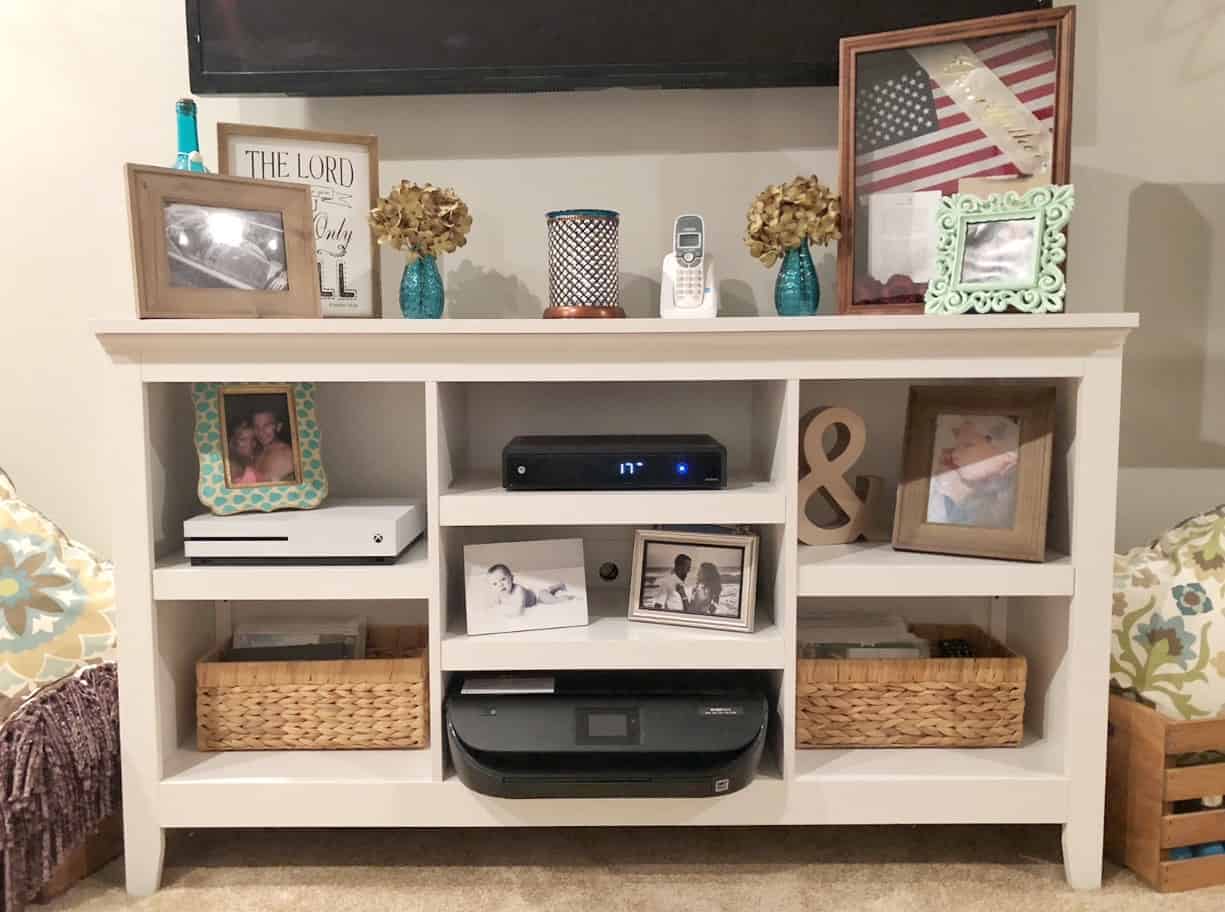
Source: organizationobsessed.com
Step-by-step setup checklist
Use this checklist to learn how to organize a TV unit step by step. It keeps the process fast and calm.
- Map the wall, outlets, and glare points.
- Test seating height and distance, then mark TV placement.
- Place the console and add anti-tip straps or anchors.
- Stage devices where they will live and check airflow.
- Run a surge protector and route the power path.
- Connect one device at a time and test.
- Bundle and label cables by device.
- Hide runs in raceways or a cable box.
- Add baskets, bins, and a remote tray.
- Style with three to five simple pieces.
- Take photos of the back for future upgrades.
- Do a one-week check and tweak as needed.
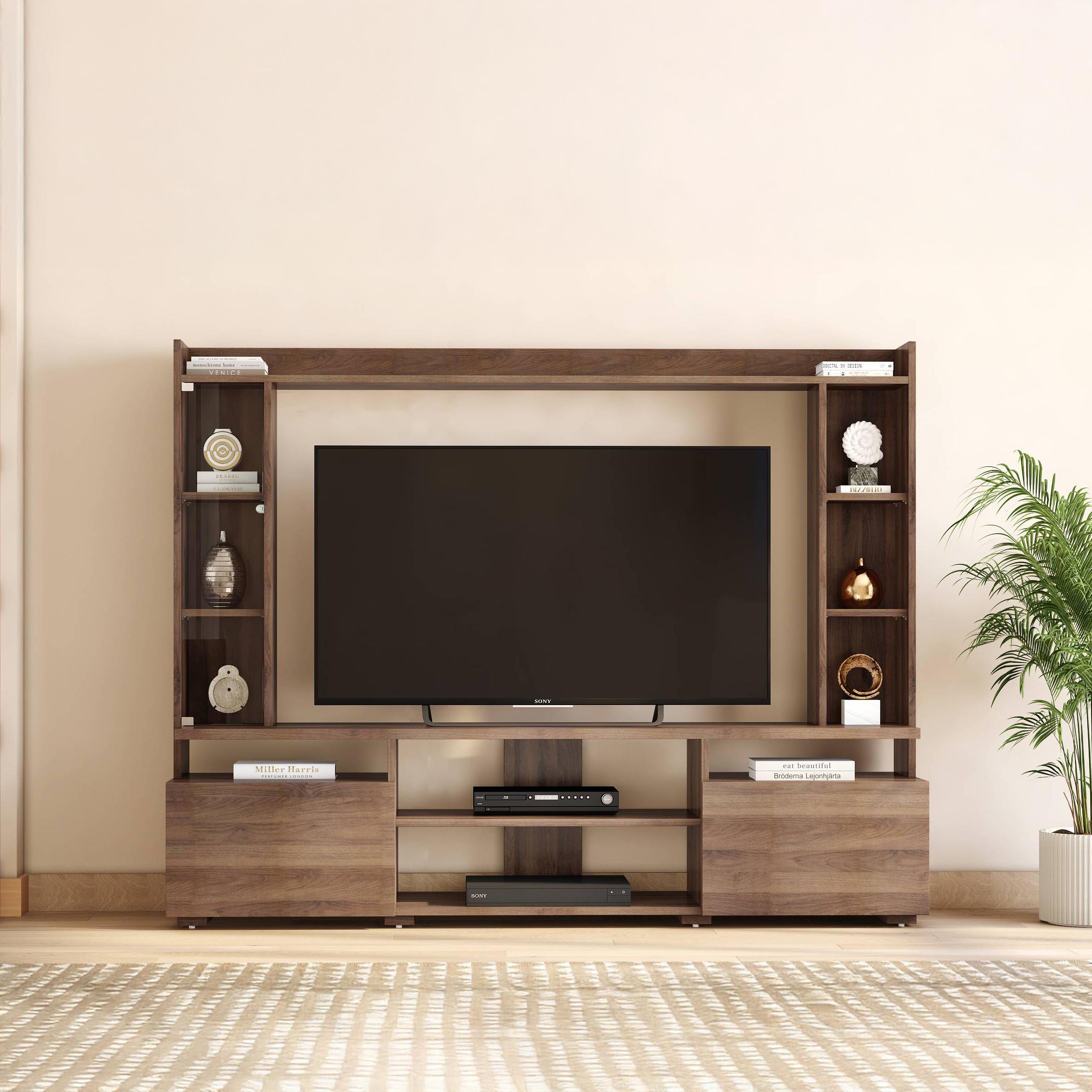
Source: urbanladder.com
Frequently Asked Questions of How to Organize a TV Unit
Quick answers to common points will sharpen how to organize a TV unit for your space.
How high should a TV sit on a unit?
Aim for the screen center at seated eye level. Most rooms land between 36 and 48 inches from floor to center.
How do I hide cables without drilling?
Use adhesive raceways, cord covers, and clear hooks. A cable box on the floor hides the power strip and extra cord length.
How much ventilation does a console need?
Leave a couple of inches around each device and behind the unit. If doors are solid, open them during gaming or add vent holes in the back panel.
What should I put on shelves around a TV?
Keep it light and simple: a plant, a small object, and a short book stack. Leave blank space so the screen remains the focus.
How do I organize remotes and controllers?
Use a tray or caddy and label charging docks. Consider a universal remote or app to cut the number of devices.
How far should the couch be from the TV?
A common guide is 1.5 to 2.5 times the screen size. Adjust by taste and eyesight; comfort beats any rule.
Conclusion
You now know how to organize a TV unit with a simple, repeatable plan. Set your layout, cut clutter, tame cables, add smart storage, and style with ease. Test, tweak, and keep what works.
Make one small change today, like labeling cables or adding a remote tray. Then build from there. If this guide helped, subscribe for more home tips or share your own setup ideas in the comments.