Start by pairing, calibrating, learning controls, then practice hands-free tasks daily.
Smart glasses can feel like magic when you know the moves. I have tested many pairs in real work and life. This guide shows how to use smart glasses with clear steps, tips, and real examples. You will learn setup, daily use, safety, and pro tricks so you can move with ease.

What Are Smart Glasses and How They Work
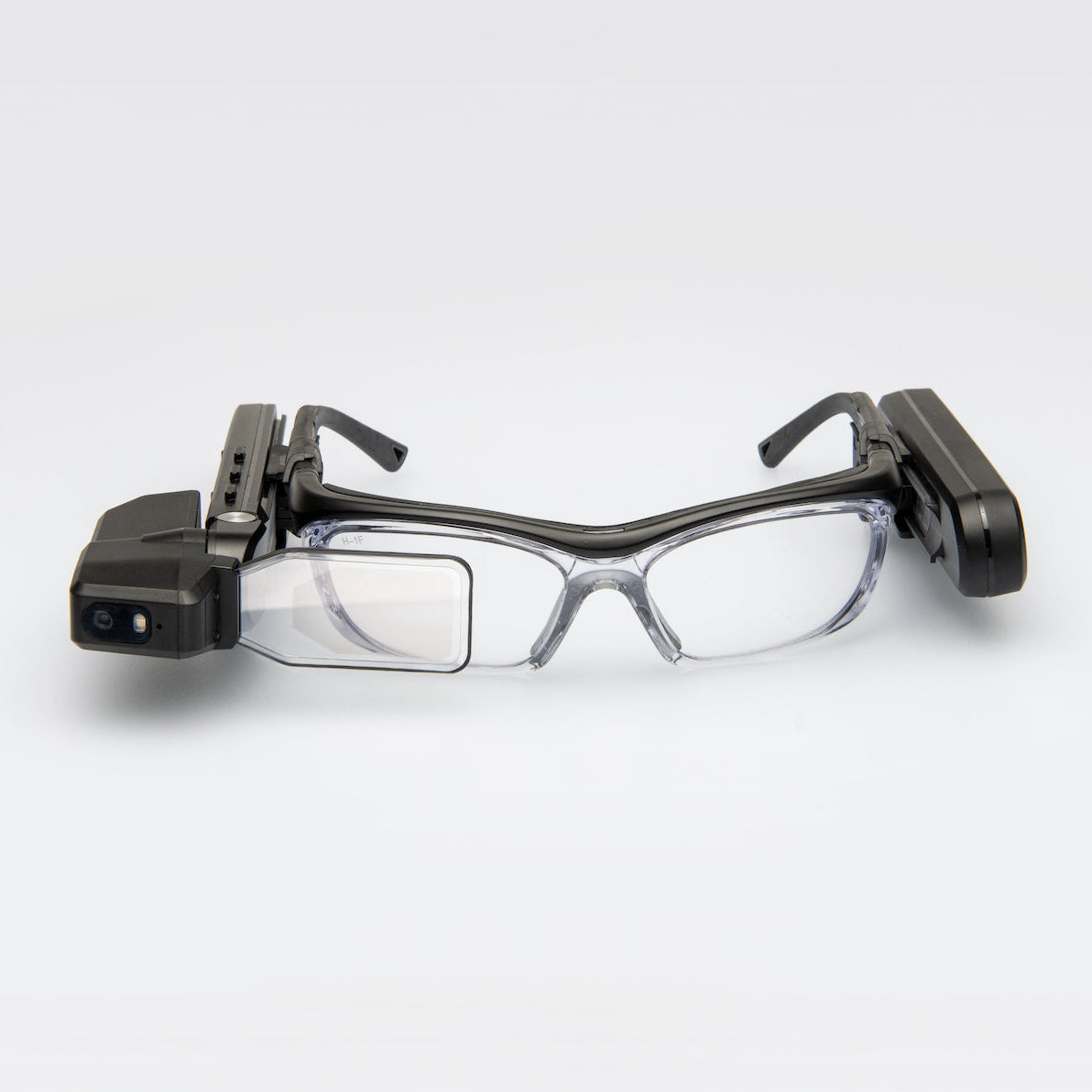
Smart glasses are eyewear with small computers inside. They add a display, a camera, mics, and sensors to your view. Some show a tiny screen. Others project data on the lens. Many link to your phone for apps and data.
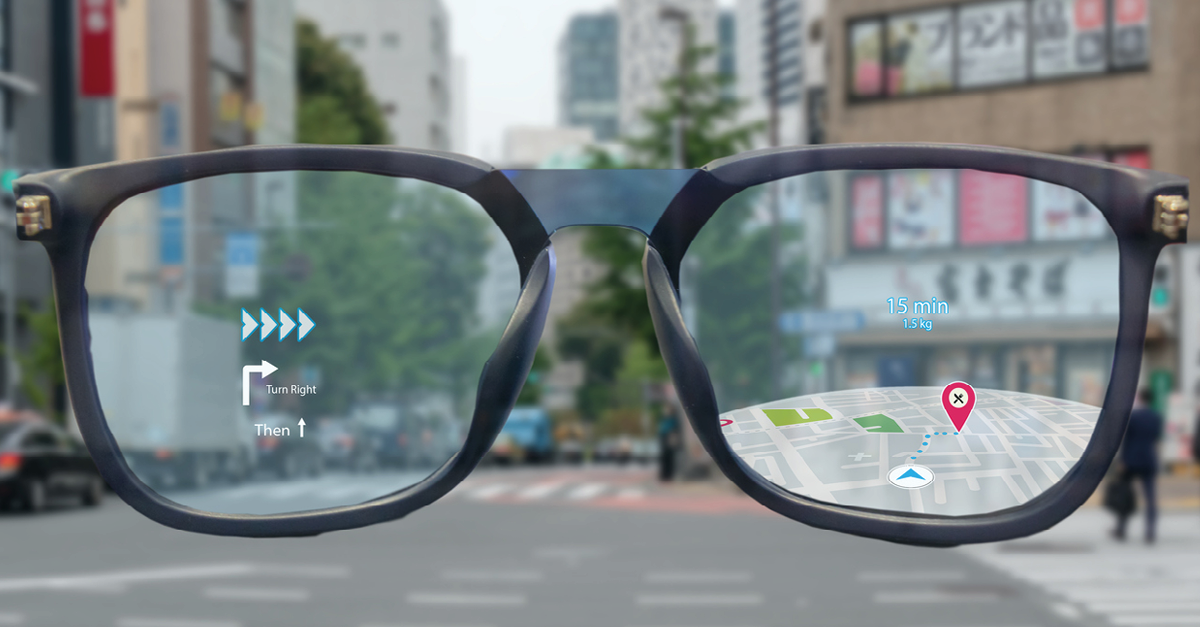
They use voice, touch, or head moves for input. GPS and motion sensors track your point of view. A companion app handles pairing and updates. To master how to use smart glasses, you need to know these parts.
Quick Start: How to Use Smart Glasses Step by Step
You can set up most models in minutes. Follow these simple steps.
- Charge the glasses to at least 80 percent.
- Install the companion app on your phone.
- Turn on Bluetooth and Wi‑Fi on your phone.
- Put on the glasses and power them up.
- Open the app and start pairing.
- Run display calibration for your eyes.
- Enable voice commands and teach wake words.
- Grant camera, mic, and location permissions.
- Try the tutorial for taps, swipes, and gestures.
- Update firmware before heavy use.
I show new users the same flow. It is the fastest way to learn how to use smart glasses with no stress.

Controls and Inputs: Voice, Touch, Gestures, and Gaze
Voice is the easiest control for most people. Use a wake phrase, then a clear command. Keep it short and calm. Wind and noise can hurt accuracy, so face away from noise.
Touch works great in quiet spaces. Many frames have small touch pads. Learn one tap, double tap, swipe forward, and swipe back. Gestures use head nods, tilts, or hand signs. Start slow to avoid false moves. Gaze control needs steady eyes. Blink to select only if the device supports it.
Practice ten minutes a day. That is how to use smart glasses with speed and comfort.
Pairing and Apps: Getting the Most from the Ecosystem
Each brand has a home app. Use it to manage updates, install apps, and set privacy. Check battery and storage from the app. Sync notes, tasks, and photos to your cloud.
Link the glasses to tools you use now. Try maps, music, fitness, and note apps. Keep only the apps you need. This cuts battery drain and noise. This is a key step in how to use smart glasses without clutter.

Daily Routines: Practical Ways to Use Smart Glasses
I plan my day with light, fast wins. Try these simple plays.
- Commute: Turn on heads‑up maps and traffic alerts.
- Fitness: Track pace and heart rate, hands free.
- Cooking: Pin a recipe and set voice timers.
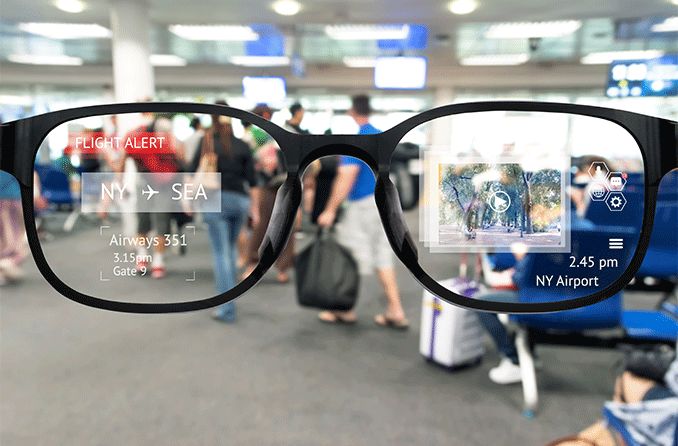
- Travel: Translate signs and capture quick clips.
- Shopping: Read lists, scan barcodes, and compare items.
Make one routine per week. That is how to use smart glasses and make the habit stick.

Workflows: Productivity, Field Work, and Training
In the field, hands‑free help saves time. Use remote assist to call an expert while you work. Share what you see and get arrows on your view. Record steps for audits.
At a desk, use voice notes, smart reminders, and quick shots. In training, play guided steps with checklists. I have cut task time by a third with this flow. This is practical proof of how to use smart glasses for real work gains.
Photos, Video, and Livestreaming: Do It Right and Safe
Know when to record and when not to. Ask before filming people. Obey local laws in stores, banks, and private areas. Use a small red light if offered. Keep clips short to save battery and storage.
Use voice to start and stop. Hold still for sharp shots. Clean the lens often. This is smart and polite use, and it is core to how to use smart glasses in public.

Health, Comfort, and Safety
Fit matters. Adjust nose pads and arms for even weight. If you wear Rx lenses, use proper inserts. Take screen breaks every 20 minutes. If you feel eye strain, lower brightness and shrink the HUD.
Use the glasses only when safe. Do not use the display while you drive. Use audio‑only mode for turn‑by‑turn. These small rules shape how to use smart glasses for long, safe days.

Battery, Storage, and Maintenance
Most pairs last a few hours with display on. Stretch that time with these tips.
- Use low brightness and shorter screen timeouts.
- Turn off unused radios when offline.
- Close idle apps that pull the camera or GPS.
- Carry a small power bank or charge case.
Back up photos and logs each day. Clean the lens with a microfiber cloth. Keep them in a case when not in use. This care plan is part of how to use smart glasses for the long run.
Troubleshooting and Common Mistakes
I see the same issues again and again. Here is how to fix them fast.
- Pairing fails: Reset Bluetooth on both devices. Reboot both.
- Drifting display: Run recalibration in a bright, stable room.
- Poor mic pickup: Check for wind and hair near the mic.
- Overheating: Close the camera app. Let it cool. Update firmware.
- Jittery gestures: Slow down moves. Re‑train gesture sensitivity.
Avoid running many heavy apps at once. That one habit will improve how to use smart glasses by a lot.
Buying and Upgrading Tips
Start with your use case. Do you need a full HUD, or just audio and camera? Try frames on, as fit varies a lot. Check lens options like blue light, sun, or Rx inserts. Review camera placement if you record often.
Look for clear voice, stable tracking, and a good app store. Confirm long‑term update plans. This helps you choose a model that matches how to use smart glasses in your life.
Privacy and Ethics Essentials
Smart glasses collect voice, video, and location. Keep only data you need. Turn off auto uploads if you do not want cloud sync. Use strong device locks. Review app permissions each month.
Tell people when you record. Follow rules at work and in public. These steps build trust and shape how to use smart glasses with care and respect.
Accessibility and Inclusive Use
Smart glasses can help many people. Low‑vision users can zoom text or get scene audio. People with hearing loss can use live captions. Workers with hand limits can use voice to control tools.
Test features with real users. Ask for feedback and tweak layouts and alerts. This is thoughtful, inclusive practice for how to use smart glasses at scale.
Advanced Tips and Automations
Once you know the basics, add power moves.
- Create voice shortcuts for repeat tasks.
- Use geofences to trigger modes by place.
- Build simple macros, like start shift, log steps, and sync.
I keep a five‑command set for my day. It cuts taps and errors. This is how to use smart glasses like a pro.
Metrics and ROI: Measure What Matters
For teams, track the gains. Pick a few metrics.
- Task time and rework rate
- Training time to first safe job
- Error reports per shift
- User comfort and adoption
Review weekly and adjust workflows. With steady use, you will show clear value. This data‑first lens refines how to use smart glasses over time.
Frequently Asked Questions of how to use smart glasses
How do I learn controls without looking awkward?
Practice at home for ten minutes a day. Use small, steady voice and touch moves until they feel natural.
Can I use smart glasses with prescription lenses?
Yes. Many brands offer Rx inserts or partner lens labs. Get the insert matched to your frame model.
Are smart glasses safe for driving?
Use audio‑only modes for directions. Do not view a HUD while the car is moving.
How do I stop people from feeling uneasy around the camera?
Tell them when the camera is off or on. Use clear indicators and be ready to remove the glasses if asked.
What if my voice commands fail in noisy places?
Switch to touch or gestures. You can also use a paired earbud mic for better pickup.
How can I protect my data on smart glasses?
Use a passcode or biometric lock. Review app permissions often and turn off auto uploads if not needed.
How long does the battery last?
Most last two to six hours with mixed use. Lower brightness and close idle apps to extend time.
Conclusion
Smart glasses shine when you start simple and build habits. Set up the basics, learn core controls, and add one real use case each week. Soon, the flow will feel smooth and natural.
Take the next step today. Pick one routine from this guide and try it for a week. If you found this helpful, subscribe for more tips, or leave a comment with your own tricks.