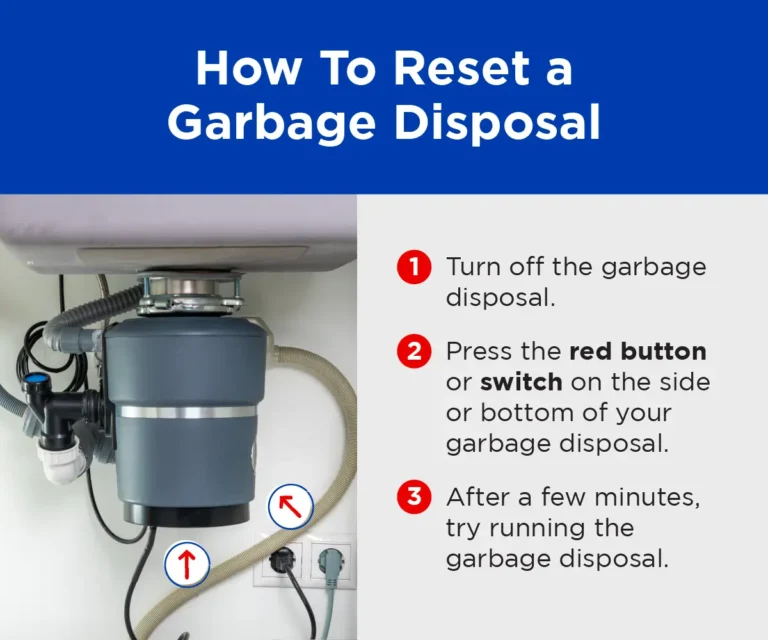
Keep only essentials, set clear zones, tame cables, use trays, and reset daily.
If you want to master How to Organize a Desk, you are in the right place. I have set up desks for busy teams, remote workers, and students. This guide blends proven methods with real-world fixes, so you can build a clean, fast, and calm workspace that lasts.

Why a clear desk boosts focus and output
Clutter drains focus. Your brain must filter each item in view, which slows you down. A tidy desk lowers mental load and helps you switch tasks with ease. Studies in work design and environmental psychology back this up.
A clear layout also cuts time waste. You reach for what you need without a hunt. That saves minutes each hour. Over a week, it adds up.
If you ask How to Organize a Desk for better focus, think in zones, rules, and simple habits. Small steps beat big overhauls.

Step 1: Audit and declutter
Start with a full reset. Empty the desk, drawers, and shelves. Wipe every surface. Hold each item and choose.
- Keep items you use every day.
- Store items you use each week.
- Toss or donate the rest.
Use the 90/20 rule. Tools you use on 90 percent of days should be within a 20-second reach. For paper, follow the 5S method from lean work: sort, set in order, shine, standardize, sustain.
From my own setups, this is where most wins happen. I once cut a designer’s desktop items from 57 to 14. Her work time to find a pen dropped from 20 seconds to two.
Step 2: Map zones and layout
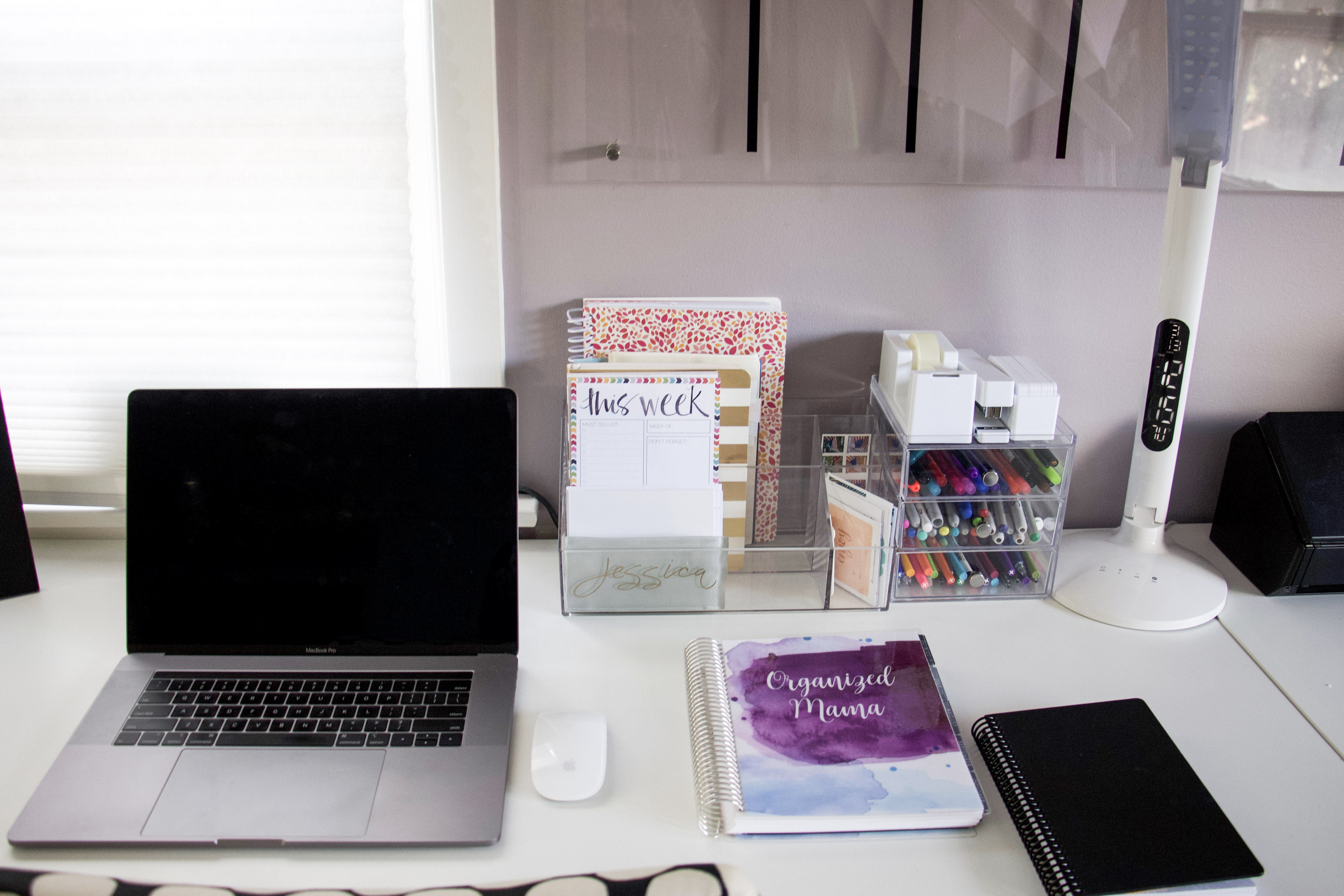
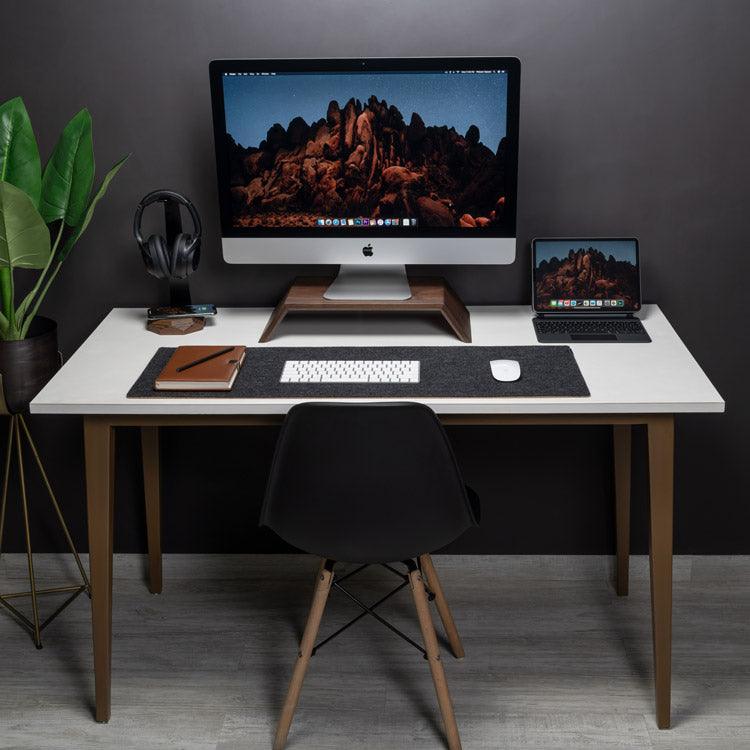
Think like a kitchen. Every tool has a home. Map four desk zones.
- Focus zone. Keyboard, mouse, notebook, and monitor front and center.
- Tool zone. Pens, sticky notes, and a staple in your dominant-hand reach.
- Storage zone. Files, chargers, and extra gear off the main surface.
- Inspiration zone. One photo or plant in a corner.
Set your monitor so the top is at eye level. Keep the screen about an arm’s length away. Wrists straight, elbows near 90 degrees. Follow the 20-20-20 rule to rest your eyes.
If you are left-handed, flip the tool zone. If you switch tasks a lot, keep a small stand for your task list at your side. This is core to How to Organize a Desk that supports deep work.
Step 3: Choose smart desk organizers
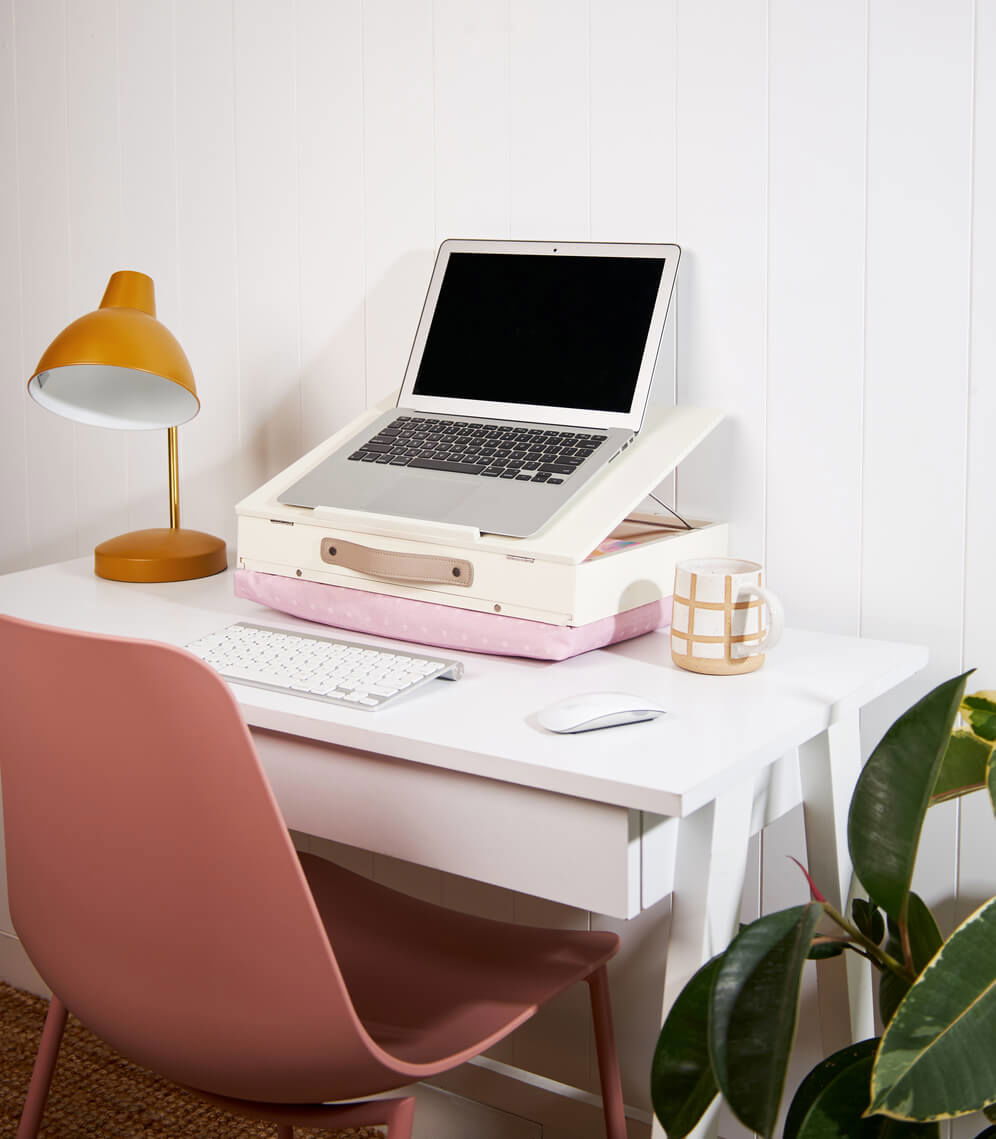
Pick tools that fit your work, not the other way around. Less is more.
- Flat trays for paper: inbox, outbox, and action.
- A vertical file for active folders.
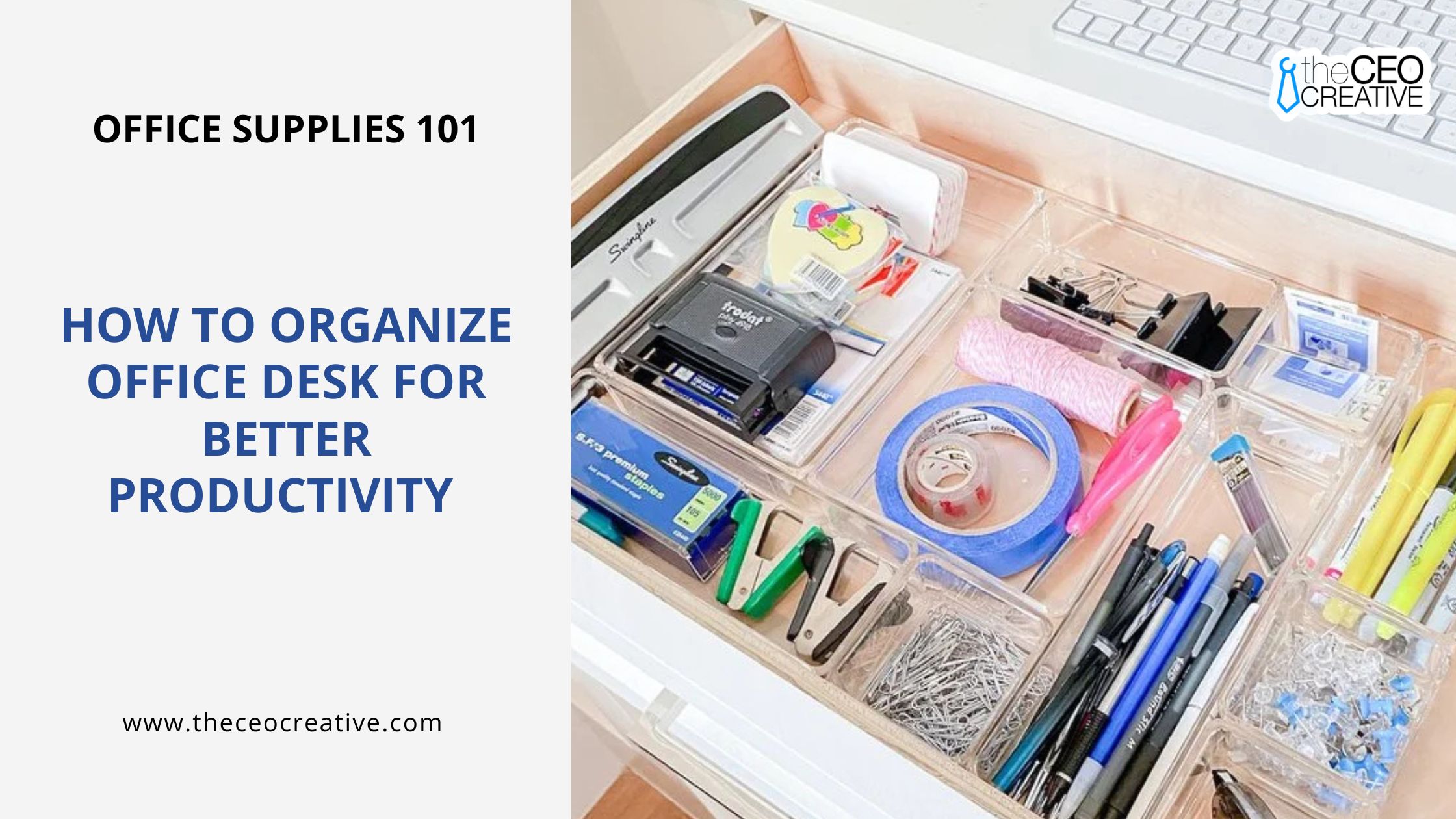
- Drawer dividers for small items.
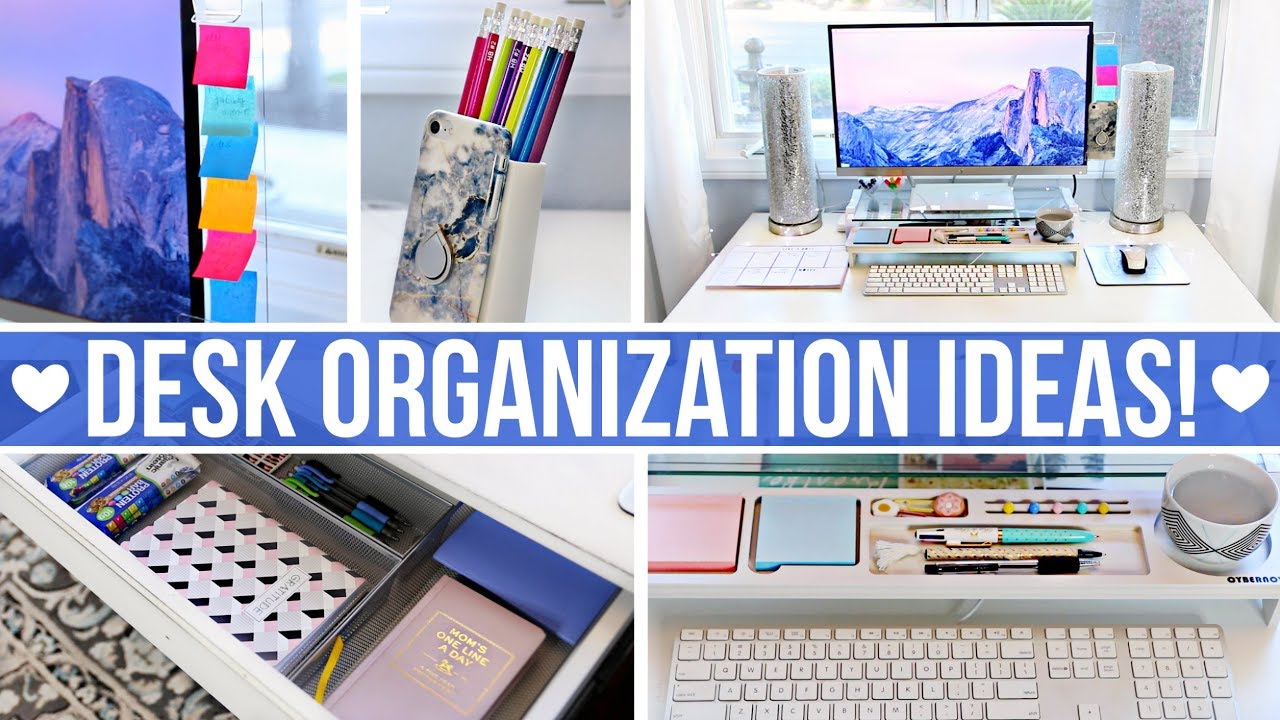
- A pen cup with two to three great pens and one highlighter.
- A monitor stand to free space under it.
- A rolling cart or a small shelf for bulk items.
- A pegboard or wall rail if you lack drawers.
On a tight budget, use clean jars and shoe boxes with labels. I have set up entire home offices with repurposed bins. It works if you label and keep counts low.
Cable management and tech setup
Cables can own your desk if you let them. Tame them once and enjoy the calm.
- Mount a power strip under the desk. Use a surge protector.
- Route cords through an under-desk tray or raceway.
- Bundle lines with Velcro ties. Avoid tight plastic ties.
- Label both ends of each cord.
- Use a dock to cut cable count. Go wireless if it stays stable.
Leave space for airflow around your laptop or tower. Heat kills parts and speed. For shared or sit-stand desks, plan slack so cords do not pull tight.
A neat tech layout is a key part of How to Organize a Desk you can trust each day.
Paper, notes, and digital workflow
Paper piles grow fast. Give each sheet a path.
- Inbox: everything lands here first.
- Action: one tray or folder for tasks due this week.
- Reference: file by topic, client, or class.
- Archive: long-term, stored away from the desk.
Go light on sticky notes. Use one daily card or pad for the top three tasks. For digital flow, scan key docs with OCR. Use simple folder names like Year_Client_Project. Match your digital and paper names.
I use a daily index card and a weekly review. My rule: no note sits in limbo for more than one day. This one habit keeps my desk clean.
Daily, weekly, and monthly reset routines
Great systems fail without small habits. Build short resets that stick.
- Daily, two minutes: clear cups, file paper, coil the charger, wipe the desk.
- Weekly, ten minutes: review tasks, empty the inbox, dust gear, sync notes.
- Monthly, fifteen minutes: purge drawers, restock staples, delete old files.
Tie resets to cues you already do. I reset right after I close my laptop. That link made it automatic.
These simple loops are the backbone of How to Organize a Desk that stays neat.

Personalization and small space tips
Make it yours, but keep clutter low.
- Add a small plant, one photo, and warm task light.
- Use a desk lamp around 4000K to 5000K for clear light.
- Keep decor off the main work zone.
Tight on space? Go vertical. Use shelves, a wall rail, or a pegboard. Use a slim rolling cart for gear. In shared desks, build a grab-and-go caddy. I keep my key tools in a small tote for hot desks and travel days.

Common mistakes to avoid
Avoid these traps when you plan How to Organize a Desk.
- Buying organizers before you declutter.
- Hiding clutter in drawers with no system.
- Keeping too many knick-knacks in your sight line.
- Ignoring ergonomics to fit a cute shelf.
- Not labeling or measuring cable lengths.
I once fit a team with pretty boxes. They had no labels. Two weeks later, chaos. Labels and simple rules beat style alone.
Frequently Asked Questions of How to Organize a Desk
How often should I declutter my desk?
Do a quick daily reset and a deeper purge each month. This keeps piles small and the system easy to keep.
What is the best way to organize a small desk?
Go vertical and keep only daily tools on the surface. Use a wall rail, a monitor stand, and one inbox to save space.
How high should my monitor be?
Set the top of the screen at eye level and an arm’s length away. This lowers neck strain and helps you sit upright.
How do I keep cables from tangling?
Route them under the desk, use Velcro ties, and label both ends. A dock or hub can cut the number of cables you need.
Should I go paperless?
Go paper-light if full paperless is not real for your work. Scan key items, file the rest cleanly, and match paper and digital names.
What if I share a desk?
Use a caddy or zip pouch for your core tools. Keep the surface clear and store personal items off the shared area.
Conclusion
A great desk is simple: fewer items, clear zones, smart tools, calm cables, and short resets. When you follow these steps for How to Organize a Desk, you get more focus, less stress, and work that flows.
Pick one step today. Do a two-minute reset or map your zones. Then build from there. If this helped, share it, subscribe for more guides, or leave a comment with your desk win.