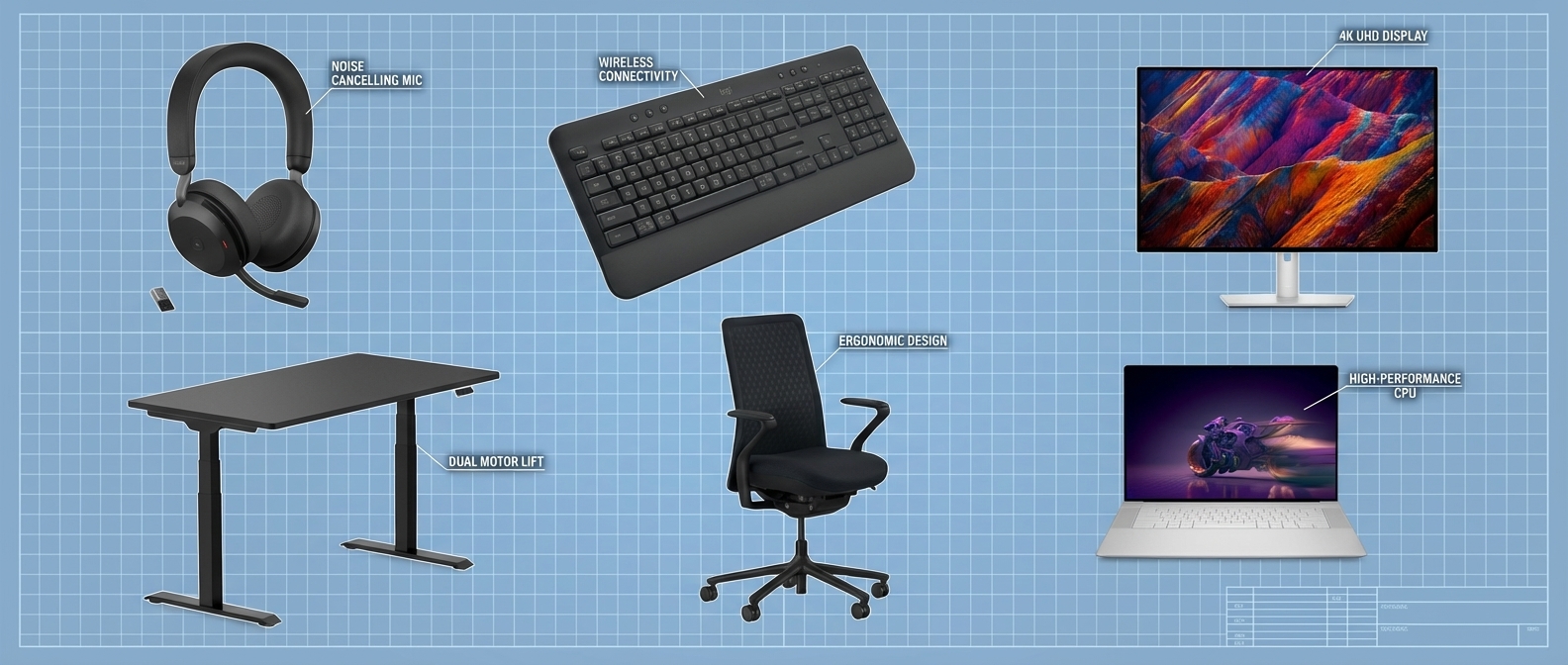
Design clear zones, fix ergonomics, manage light and sound, and automate tasks.
You can build a space that helps you do deep work every day. I’ve set up and optimized dozens of home offices, from studio nooks to spare rooms. This guide on How to Create a Home Setup That Boosts Productivity puts proven steps, simple tools, and lived tips in one place so you can work better, feel better, and ship more.

Start with outcomes, not objects
Before you buy gear, write what your work needs. List your core tasks, the tools you use, and the hours you keep. Note the pain points, like back pain, eye strain, or noisy calls.
If you want How to Create a Home Setup That Boosts Productivity, start with a plan. Pick three goals, like fewer context switches, less strain, and faster handoffs. Set one or two metrics, such as time to first draft, call quality score, or end‑of‑day energy.
Use a short audit:
- What work needs quiet and focus?
- What work is best for calls?
- What work is admin and can be batched?
Choose the right spot and layout
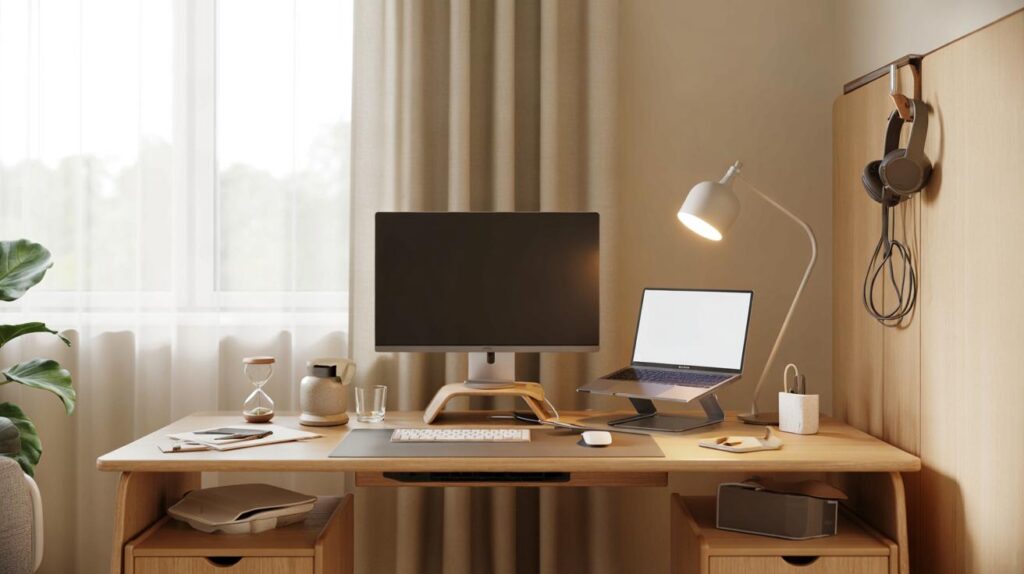
Place your desk where you can focus and still get light. Face the wall or a window at an angle to cut glare. Keep foot paths behind you, not in front. If you share space, use a bookcase or a screen to mark your zone.
How to Create a Home Setup That Boosts Productivity often starts with zones:
- Focus zone for deep work with no clutter.
- Call zone with mic, light, and clean backdrop.
- Admin zone with trays and a printer, if you need it.
I like an L shape for dual use. One side faces light for mood. The other side faces a wall for calm. It helps your brain switch modes fast.
Dial in ergonomics that fit your body
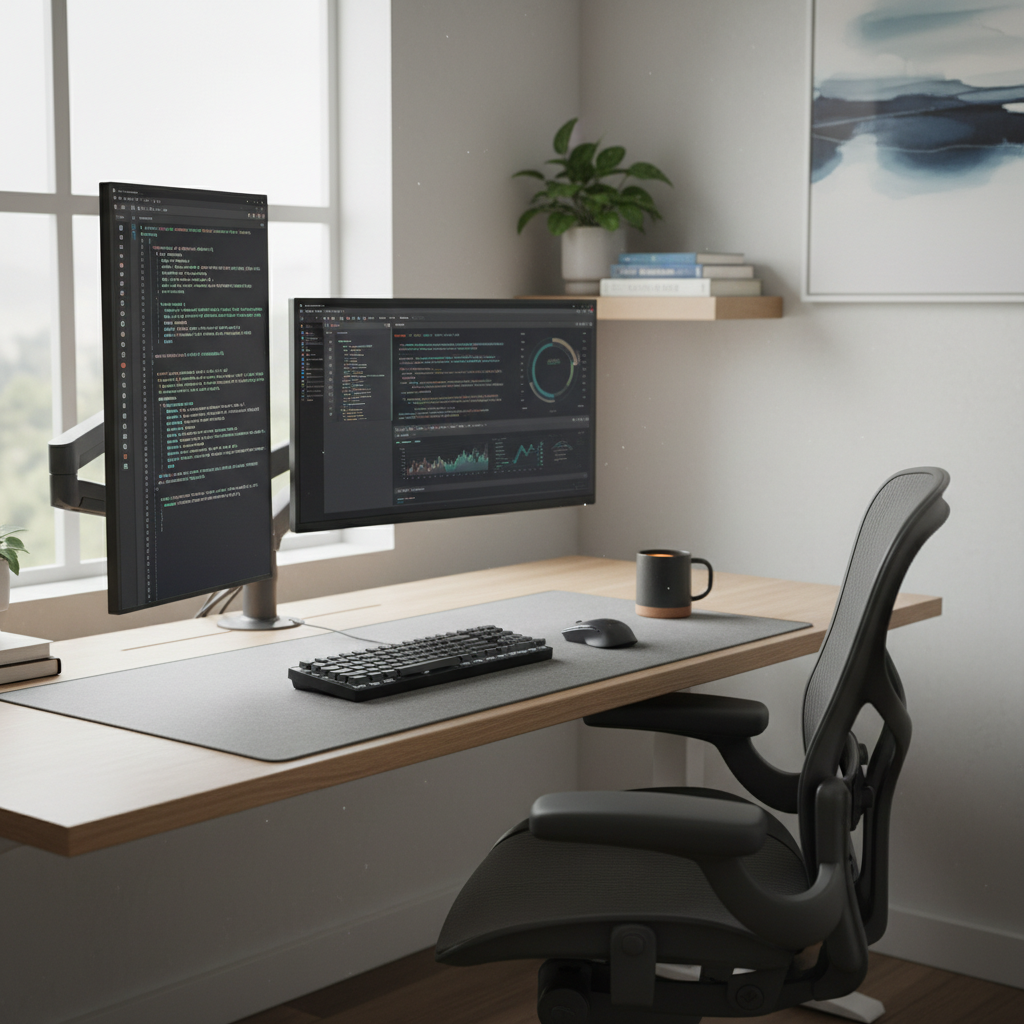
Ergonomics is your base. It keeps your body in a neutral pose so you can work long with less pain. Research in office health shows less strain and more output when fit is right.
Key fit rules:
- Chair: Hips a bit above knees. Back flat on the backrest. Armrests support elbows close to your body.
- Desk: Elbows at about 90 degrees with your shoulders relaxed.
- Screens: Top of the screen at or just below eye level. Arm’s length away.
- Keyboard and mouse: Keep wrists straight. Use a palm rest if you need one.
I once fought neck pain for months. One inch of screen height fixed it in a day. How to Create a Home Setup That Boosts Productivity often comes down to small, repeat gains like this.
Get light right for energy and clear sight
Light steers your mood and sleep. Daylight is best. Aim for it from the side to cut glare. For tasks, use a desk lamp with a warm to neutral tone for the late hours.
Tips that work:
- Fill light for your face on calls.
- No bare bulbs in your sight line.
- Use screen night mode after dark to cut blue light.
How to Create a Home Setup That Boosts Productivity also means no eye strain. Check for glare at noon. Tilt screens or add a shade if needed.
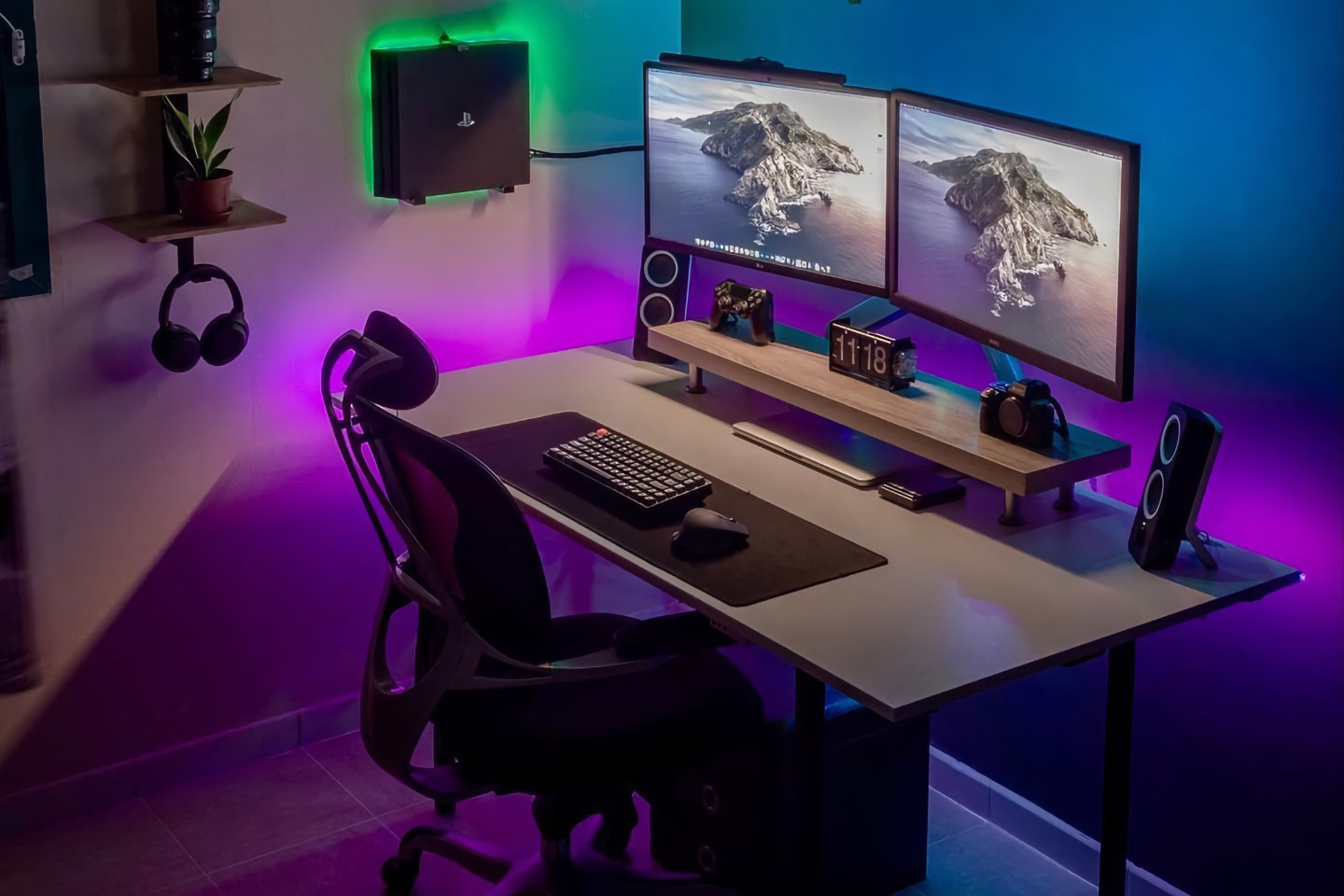
Shape sound for focus and calm calls
Sound can help or hurt. Hard rooms bounce noise. Soft gear soaks it up. Add a rug, curtains, and a cloth pinboard. Door seals and a draft stopper block hall noise.
Tools that help:
- Closed‑back headphones for focus.
- A cardioid mic to cut room noise.
- Light white noise at a low level.
I keep a small sign that shows my call time. It saves me from knocks mid‑pitch. How to Create a Home Setup That Boosts Productivity is also about clear signals to others, not just tools.
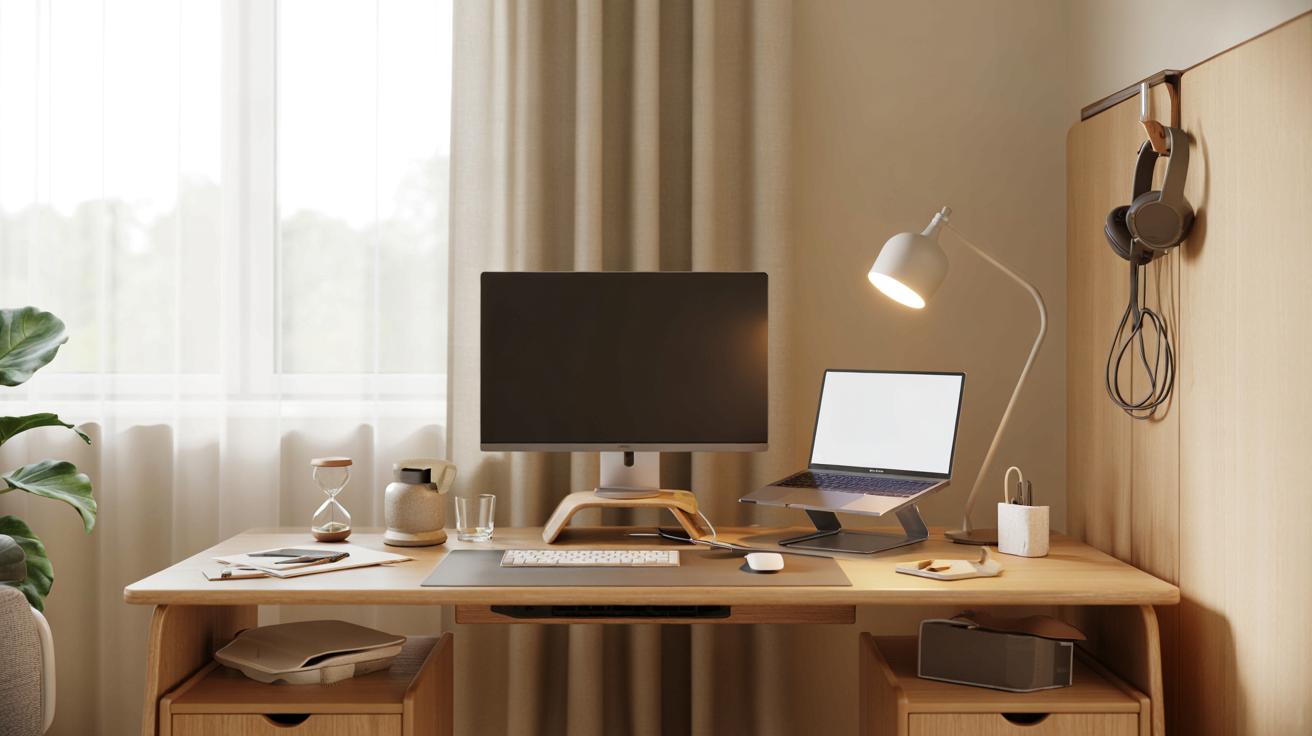
Build a tech stack that speeds you up
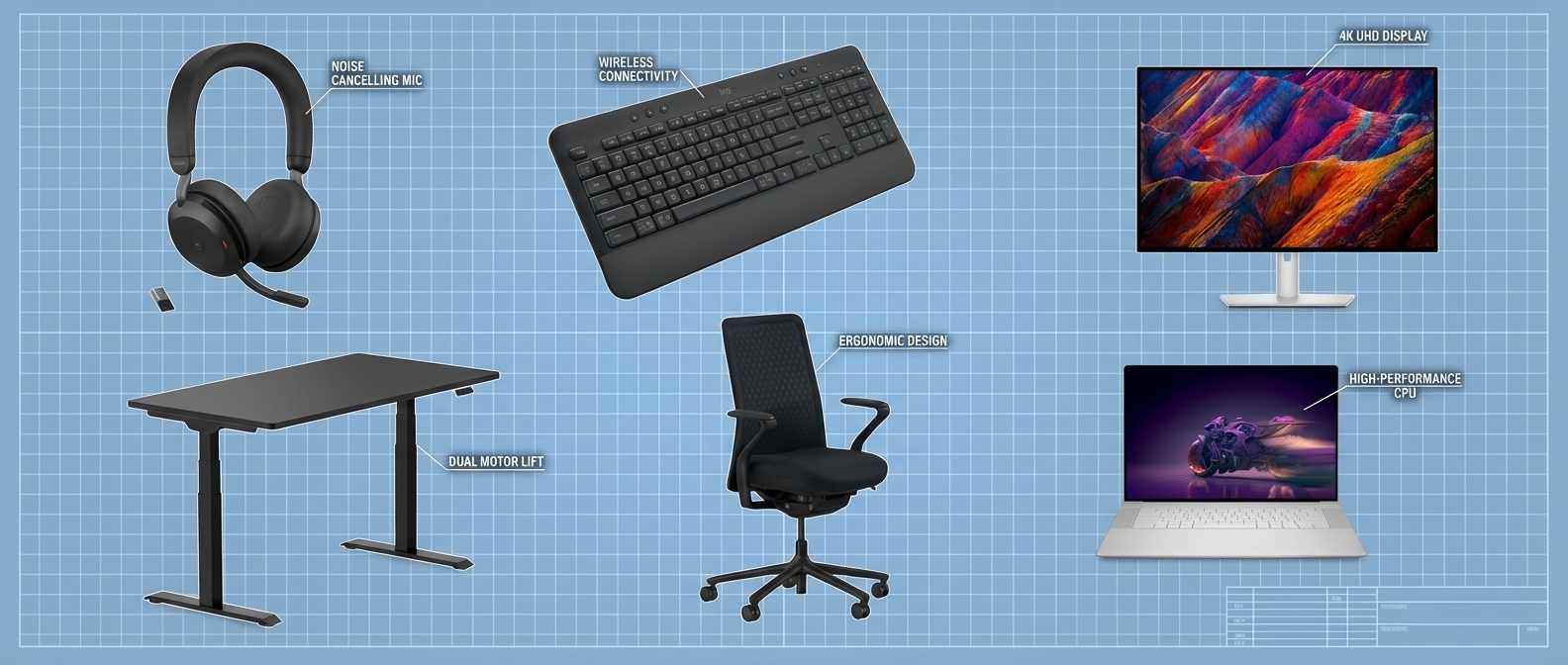
Pick stable tools that do the job with low fuss. A solid laptop with a dock is the best base for most. Add one or two monitors if you work with many windows. A quiet keyboard and a comfy mouse save your hands.
Speed boosters:
- Hotkeys and text expanders for repeat lines.
- Window snaps to place apps in set spots.
- A simple stream pad or shortcuts for one‑tap tasks.
Protect your work:
- Back up with a cloud tool and a local drive.
- Use two‑factor login and a password manager.
- Keep your system and apps up to date.
How to Create a Home Setup That Boosts Productivity blends speed and safety. If you fear data loss, you will not take bold steps. A small UPS can also save your work in a short outage.
Tame clutter and cables
Clutter steals focus. Give every item a home. Keep only what you use each day on the desk. Put the rest in drawers or bins. Label them so you can find things fast.
Cable moves that work:
- Route cables down the back with clips and a raceway.
- Use a small power strip with surge guard under the desk.
- Coil the slack and tag each cord.
Set in and out trays for papers. Do a five‑minute reset at day end. How to Create a Home Setup That Boosts Productivity needs a clear start line each morning.
Set rituals that guide your day
Space helps, but habits seal the deal. Use a short start‑up list to prime your brain. Use a shut‑down list to clear it at night. Batch mail and chats in two or three short blocks.
Simple cadence:
- Time block deep work in the AM.
- Calls in mid‑day when energy dips.
- Admin at the end.
Use a timer for sprints and breaks. Stand for one or two sprints each day. How to Create a Home Setup That Boosts Productivity is a mix of place, process, and practice.
Care for your body and air
Your space should help you move. Stand and sit through the day. A stool or a sit‑stand desk can help. Stretch your hips, neck, and wrists in short sets.
Air and comfort tips:
- Open a window or run a fan for fresh air.
- A plant can help mood and may aid air mix.
- Keep temp steady. Drink water often.
Studies show better air and light tie to better focus and sleep. Your work is in your head, but your body runs the show.
Design for mood, meaning, and joy
Your space should feel like you. Pick a clean color base and add a few bold notes. Use a small shelf for wins and goals. A scent you like can be a cue to work mode.
Ideas to try:
- A calm art print near your screen.
- A playlist for deep work and a different one for admin.
- A small plant by the lamp.
How to Create a Home Setup That Boosts Productivity should also lift your mood. When it feels good, you show up more.
Build it on any budget
You do not need to spend a lot. Solve the worst pain first. Upgrade in steps.
Under $100:
- A desk lamp, a wrist rest, cable clips, and a seat cushion.
- A door draft strip and a rug for sound.
- A laptop stand and an external keyboard.
Under $300:
- A used office chair with lumbar support.
- A second screen.
- A quality headset.
Under $1000:
- A sit‑stand desk.
- A pro chair with full adjust.
- A dock and dual screens.
How to Create a Home Setup That Boosts Productivity grows with you. Each smart buy should give you a clear, daily gain.
Measure, test, and improve
Treat your space like a small lab. Change one thing at a time. Track a few signs like time to start, time in deep work, and end‑day energy on a 1–10 scale.
A simple loop:
- Note a problem, like neck strain.
- Try a fix, like a screen riser.
- Check your notes for a week.
- Keep it or try the next move.
I run two‑week sprints on my setup. Small, steady tests made my best gains. How to Create a Home Setup That Boosts Productivity is a path, not a one‑time task.
Frequently Asked Questions of How to Create a Home Setup That Boosts Productivity
What is the first step to set up a productive home office?
Write your work goals and pain points. Plan zones and core tools before you buy anything.
How many monitors do I need for productivity?
One is fine for most. Two help if you compare documents or code and test at once.
How can I cut noise without a full room build?
Use soft items like rugs and curtains. A closed‑back headset and a cardioid mic help on calls.
What is the best chair for long hours?
Pick a chair with height, seat depth, lumbar, and arm adjust. Fit it to your body and desk first, then brand.
How do I keep my desk clean every day?
Use in and out trays and a five‑minute end‑day reset. Hide cables and give every item a set home.
Do I need a standing desk?
No, but sit‑stand helps you move more. A tall stool or a riser can give you some of the same gains.
How can I reduce eye strain?
Place screens at eye level, cut glare, and use night mode after dark. Blink often and take short eye breaks.
Conclusion
You now have a clear path to a home setup that works hard for you. Start with goals, fit the space to your body, tune light and sound, and build simple habits. Use small tests and track gains so each tweak sticks.
Pick one change to make today and set a date to review in two weeks. If you found this helpful, share it, subscribe for more guides, or leave a comment with your setup wins and questions.