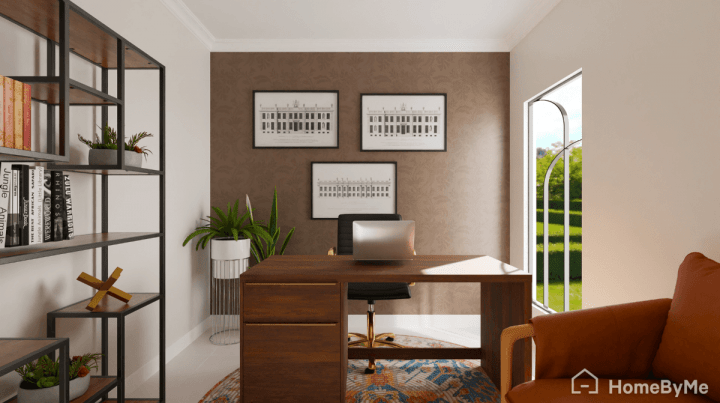
Design a home office by aligning space, ergonomics, light, tech, and routines.
You want more than a pretty desk. You want a space that helps you think, move, and work well every day. I design workspaces for real homes, from tiny nooks to full rooms. In this guide on How to Design a Home Office, I share proven steps, friendly tips, and lessons learned, so your setup looks great and works even better.
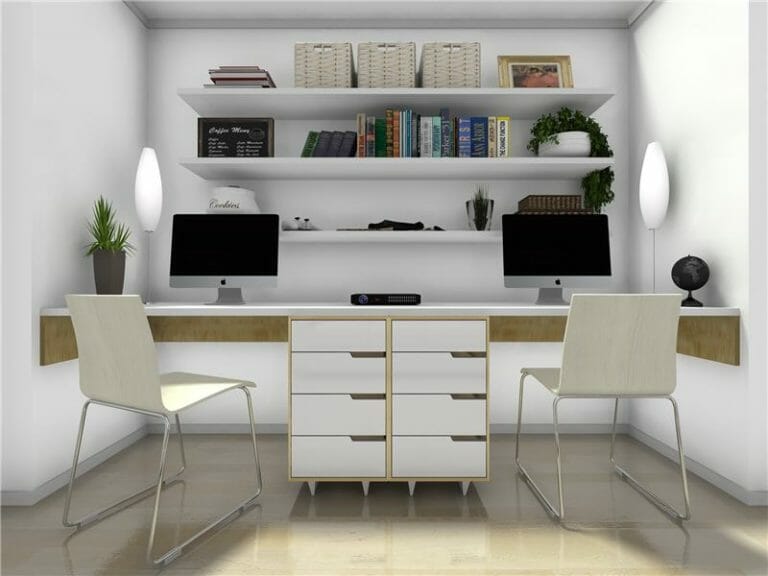
Set Your Goals and Constraints
Before you buy anything, get clear on what the space must do. This removes guesswork and saves money. It also guides every design choice that follows.
Ask and note:
- What work do you do here most days?
- How long will you sit, stand, or meet on calls?
- Who shares the space, and when?
- What gear must fit, now and later?
- What is your budget and timeline?
Define your success. A goal like quiet video calls or strong focus hours shapes the plan. When you ask How to Design a Home Office, start with purpose, not products.
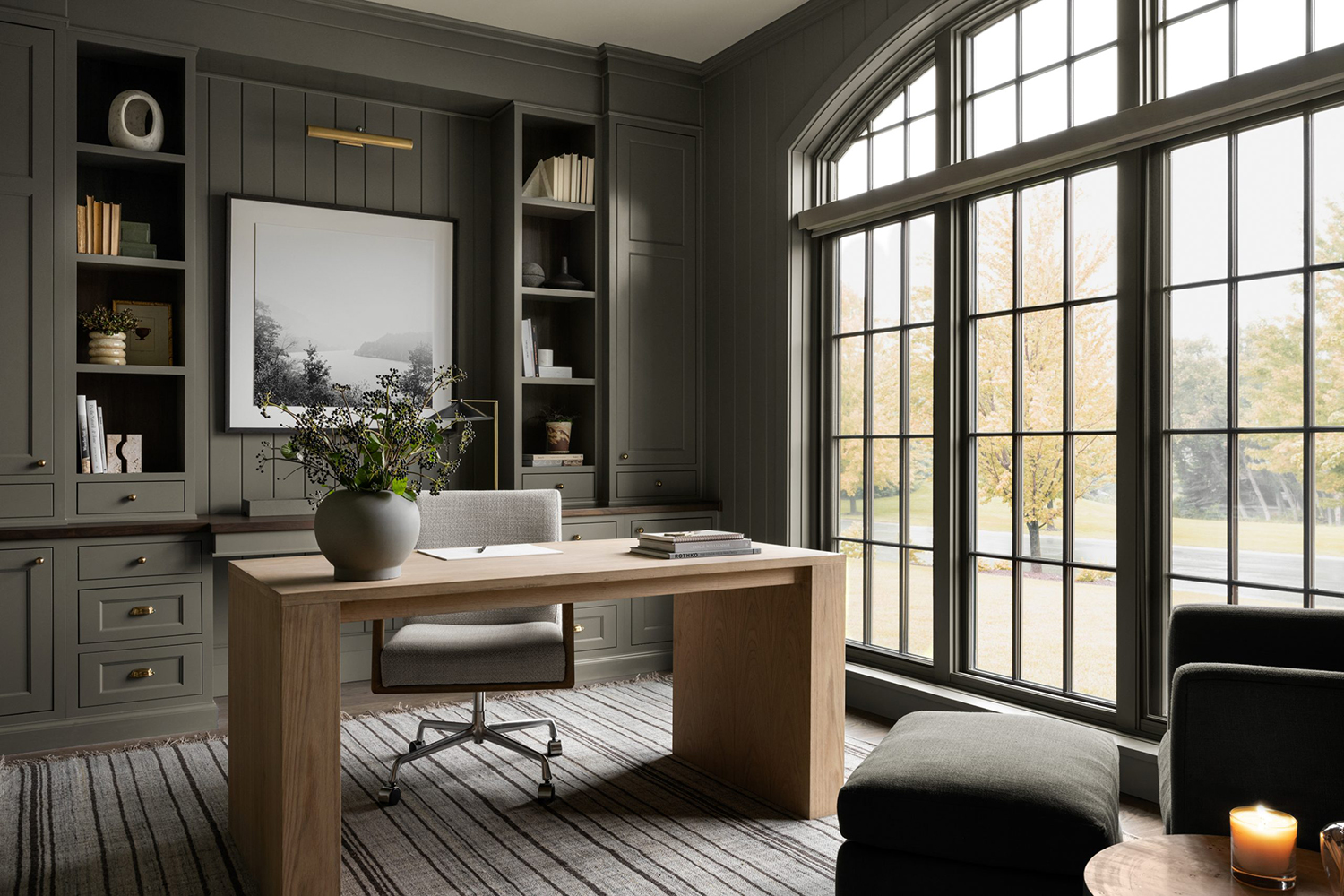
Pick the Right Location and Layout
Pick the calmest spot you can. A door helps. If you lack a spare room, a corner with low foot traffic can work. Test Wi‑Fi and power first.
Try one of these layouts:
- Perpendicular to a window to reduce glare and boost mood.
- Wall-facing for deep focus when the room is busy.
- Floating desk for flexible camera angles and airflow.
- Corner setup to save space and add storage.
A quick story from my studio: I first faced the window. The view stole my focus. I shifted the desk 90 degrees, added a sheer, and calls improved at once. When you plan How to Design a Home Office, let layout serve focus and light.
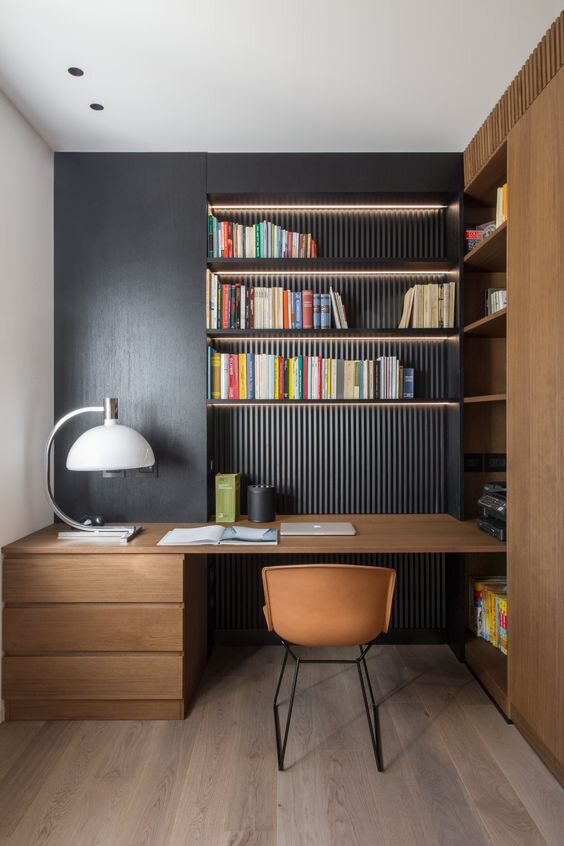
Ergonomics and Health Basics
Ergonomics means fit the work to you. It reduces strain and keeps energy high. Follow simple, proven cues from workplace standards.
Dial in the setup:
- Chair: adjustable height, lumbar support, and seat depth you can tune.
- Desk: about 28–30 inches high for most adults, or use a sit‑stand base.
- Monitor: top at or slightly below eye level, about an arm’s length away.
- Keyboard and mouse: elbows at about 90 degrees, wrists straight.
- Feet: flat on the floor or on a footrest.
Stand and move. Use a timer for quick breaks. Research from occupational health groups links movement and neutral posture to less pain and better focus. If you ask How to Design a Home Office for long days, ergonomics is your best return on spend.

Lighting That Works All Day
Good light lifts mood and cuts eye strain. Aim for a mix of daylight, task, and soft fill.
Use these steps:
- Daylight: place screens perpendicular to windows to avoid glare.
- Task lamp: use an LED with a flexible arm and about 4000K color.
- Fill light: add a floor lamp or ceiling light with dimming.
- Screen glare: use a matte filter or adjust blinds during bright hours.
Check color accuracy if you edit photos or video. A high CRI lamp keeps colors true. When you plan How to Design a Home Office, treat light as core, not decor.

Technology Setup That Just Works
Bad tech burns time. A clean, stable setup keeps your mind on the work.
Build a strong base:
- Network: wired Ethernet beats Wi‑Fi for calls and uploads.
- Power: use a surge protector and a small UPS for your modem.
- Dock: a USB‑C dock simplifies cables and charging.
- Audio: a good USB mic or ANC headset upgrades call clarity.
- Camera: set it at eye level, with soft light in front of you.
Secure your data with a password manager, multi‑factor login, and backups. I keep one cloud backup and one on a small drive. How to Design a Home Office is also how to protect your work.
Storage and Organization Systems
Clutter kills focus. Give every item a clear home and a simple flow.
Set up zones:
- Daily zone: pens, notebook, and charger within reach.
- Active files: one tray labeled Now, one labeled Next.
- Deep storage: shelves for books, bins, and labeled boxes.
- Cable management: adhesive clips and a cable sleeve under the desk.
Use a weekly reset. Toss junk, clear the inbox tray, and archive old notes. If you plan How to Design a Home Office with simple systems, you will think faster and lose less time.
Acoustics and Privacy at Home
Great sound matters on calls and for focus. Rooms with hard floors echo. Add soft items to soak sound.
Quick wins:
- Put down a rug. Hang thick curtains.
- Add a bookcase or acoustic panels on first reflection points.
- Seal door gaps with a simple sweep.
- Use white noise outside your door during deep work.
Set clear house rules. A small sign on the door during calls helps. How to Design a Home Office with privacy in mind saves you from repeat stress.
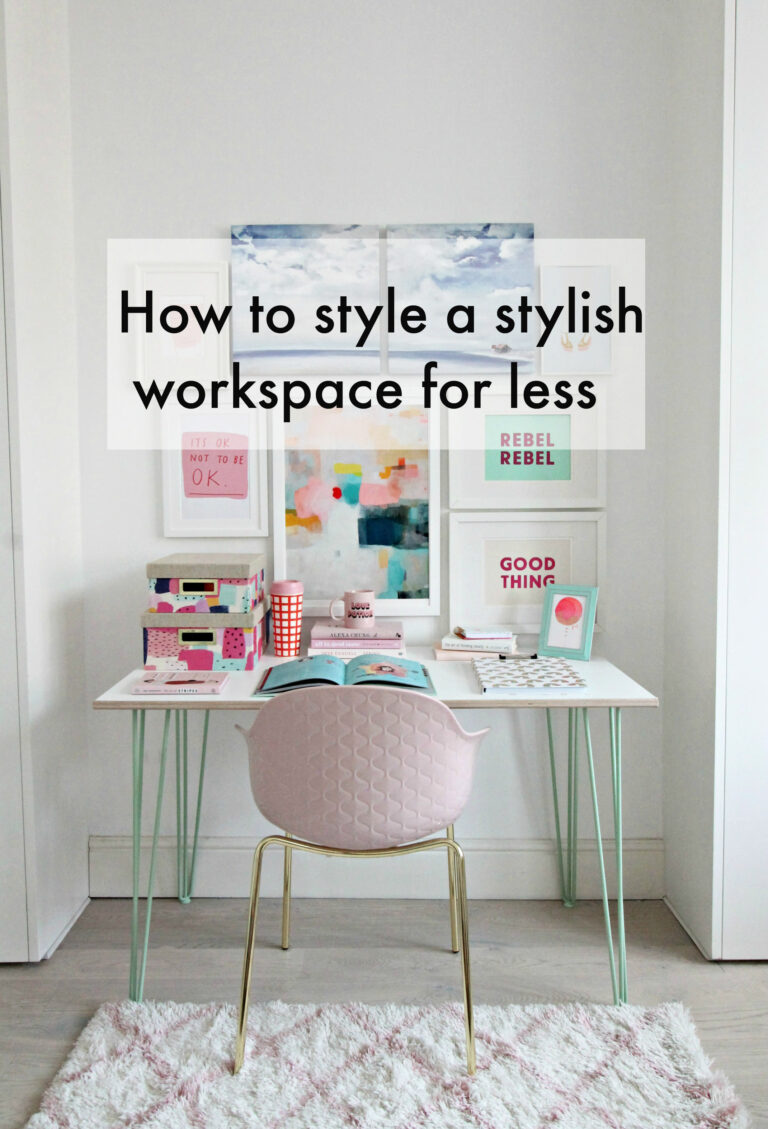
Style, Color, and Personalization
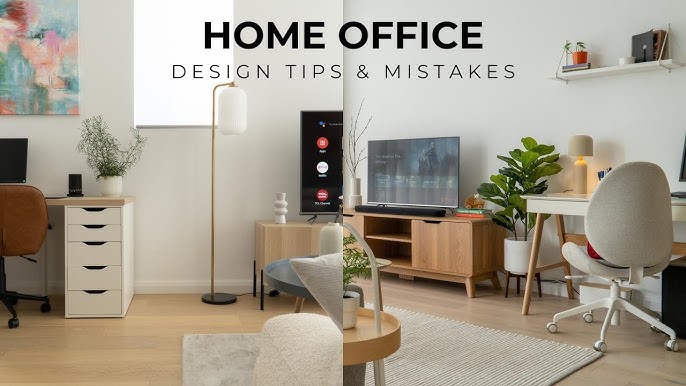
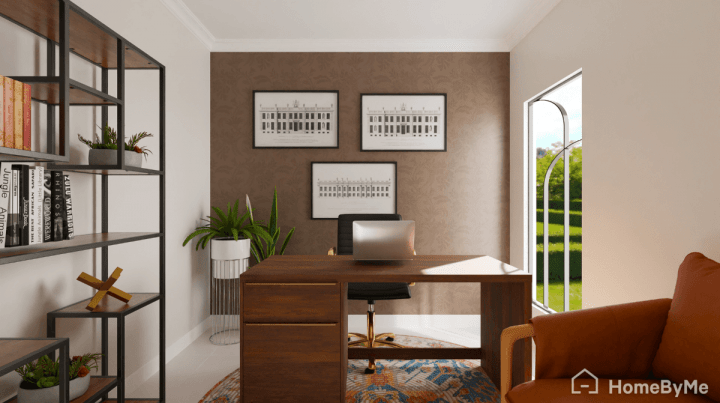
A space you like invites you to sit and do the work. Style supports habit. Keep it simple and grounded.
Try this:
- Start with calm base colors, then add one accent.
- Add a plant for fresh air and a natural touch.
- Use art that lifts your mood but does not distract.
- Keep surfaces clean and textured for a warm feel.
I once painted a wall too dark in a small room. It looked cool but ate light. A lighter tone fixed it. When choosing How to Design a Home Office style, test paint with samples first.
Small Spaces and Shared Homes
No spare room? You can still win. Work with what you have and fold away when done.
Ideas that help:
- Closet office with a shallow desk and a light bar.
- Wall‑mounted fold‑down desk with a small chair.
- Rolling cart for printer and supplies you can hide later.
- Room divider or bookcase to frame a video call area.
Keep gear light and modular. One dock, one cable, and one clamp arm can do a lot. How to Design a Home Office in a small home is a puzzle you can solve.
Budget and Phased Plan
Spend where it lasts. A good chair, solid light, and stable network pay you back.
Plan by phase:
- Start: chair, task lamp, and cable basics.
- Build: dock, second monitor, and storage.
- Polish: acoustic panels, art, and a better camera.
Sample budgets:
- About $300: adjustable chair, LED lamp, surge strip, and clips.
- About $1,000: add a sit‑stand desk, 27‑inch monitor, and a dock.
- About $2,500: add a pro chair, acoustic set, and better audio.
How to Design a Home Office on any budget is about smart order, not big spend.
Productivity Systems and Habits
Design shapes behavior. Use small cues to start strong and end clean.
Try these:
- Timebox your day with a simple calendar plan.
- Use a start ritual: water, lamp on, one deep breath.
- Use an end ritual: clear desk, write tomorrow’s first task, lamp off.
- Batch calls in the same block to keep focus time sacred.
Two screens help for many roles. One works for deep writing. Test both. When you explore How to Design a Home Office, match tools to tasks, not trends.
Maintenance and Upgrades Checklist
A tidy space stays useful. Set light, repeatable care.
Do this:
- Weekly: dust, empty trash, and reset cables.
- Monthly: clean keyboard, wash the rug, and check backups.
- Quarterly: recheck chair height, monitor position, and lighting.
- Yearly: replace key consumables and review gear you no longer use.
Note what hurts or slows you down. Fix one thing each month. This steady path is How to Design a Home Office that keeps getting better.
Frequently Asked Questions of How to Design a Home Office
What is the best desk size for a small room?
Aim for about 48 by 24 inches if space is tight. It fits a monitor, laptop, and lamp without crowding the room.
How do I reduce glare on my screen?
Place the monitor perpendicular to windows and use blinds at peak sun. A matte screen filter and a task lamp also help.
Do I need a standing desk?
You do not need one, but movement is key. A sit‑stand desk makes moving easy and can cut back pain.
How can I make my background look good on video calls?
Keep it simple with a tidy shelf or a plant. Good front light and a neutral wall color make faces look clear.
How to Design a Home Office on a low budget?
Focus on a used chair, a bright lamp, and cable organization. Add items in phases and keep what works long term.
Is one monitor or two better for productivity?
Two screens help with research, code, and complex sheets. One larger screen can be better for writing and focus.
What color is best for a home office?
Soft neutrals with one calm accent color work well. They keep light balanced and reduce visual noise.
Conclusion
A strong home office starts with clear goals, a smart layout, and calm light. Add ergonomic basics, simple storage, and a sane tech stack. Keep it clean and adjust in small steps as your work shifts.
Choose one upgrade this week and do it well. Then build, test, and refine. If this guide on How to Design a Home Office helped, subscribe for more tips, share it with a friend, or drop a question in the comments.